

A motion sensor light switch replaces an ordinary wall switch and turns your existing ceiling light on when you walk in and off after you leave. It’s one of the cheapest ways to add hands-free lighting to a laundry room, garage, pantry, bathroom or closet, and it stops lights burning in empty rooms.
Free tool: Use our free Lumens Calculator to work out how many lumens each room needs.
This guide explains how motion sensor switches work, the difference between occupancy and vacancy modes, which switches are worth buying in 2026 and how to install one safely.
Table of Contents
- How a Motion Sensor Light Switch Works
- Occupancy vs. Vacancy Mode
- Do You Need a Neutral Wire?
- Best Motion Sensor Light Switches
- Best Rooms for a Motion Sensor Switch
- How to Install a Motion Sensor Light Switch
- Settings to Adjust After Installing
- Troubleshooting
- Frequently Asked Questions
- Final Verdict
How a Motion Sensor Light Switch Works
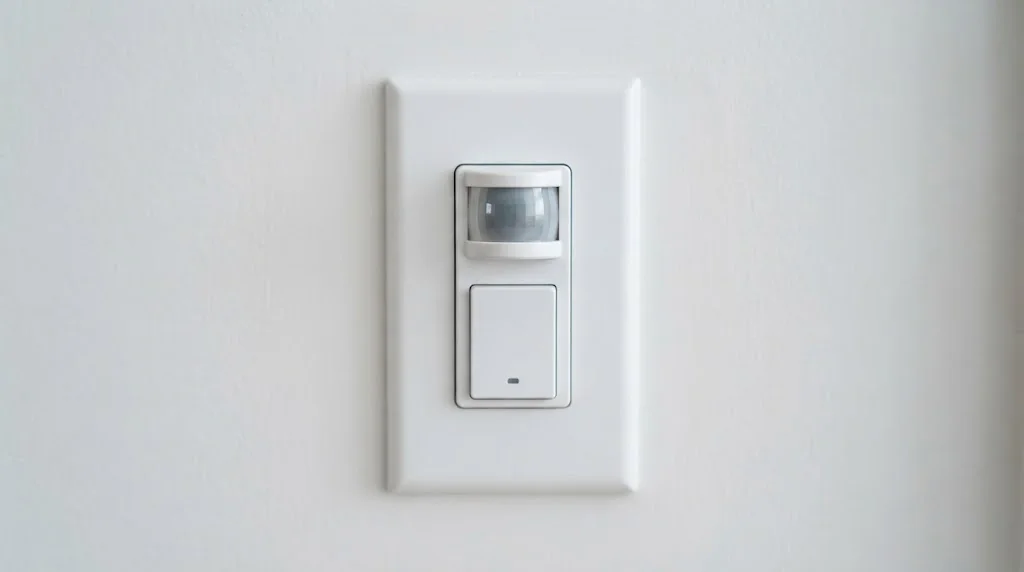
Most motion sensor switches use a passive infrared (PIR) sensor behind a small lens on the front of the switch. It watches the room for the heat of a moving person. When it sees movement, it switches the light on; when the room has been still for a set time, it switches it off. Many also have an ambient light sensor, so the light won’t turn on if the room already has plenty of daylight. There’s still a button on the front, so you can turn the light on or off by hand. For more on the sensor technology, see our guide to how motion sensors work.
Occupancy vs. Vacancy Mode
| Mode | Turns on | Turns off | Best for |
|---|---|---|---|
| Occupancy (auto-on/auto-off) | Automatically when you enter | Automatically after no motion | Laundry rooms, garages, closets, pantries |
| Vacancy (manual-on/auto-off) | Only when you press the button | Automatically after no motion | Bedrooms, offices, rooms with daylight |
Vacancy mode saves the most energy, because lights never come on unless you want them. Some building codes, like California’s Title 24, require vacancy sensors in certain rooms, which is why some brands sell separate occupancy and vacancy models.
Do You Need a Neutral Wire?
It depends on the switch. Basic (non-smart) motion switches like the Leviton IPS02 don’t need a neutral, and the Lutron Maestro MS-OPS2 can use either a neutral or the ground wire. Wi-Fi smart switches, like the Kasa KS200M, usually need a neutral wire to power their radio. Before buying, turn off the breaker, take off the switch plate and check for a bundle of white wires tucked in the back of the box. That’s usually the neutral.
Best Motion Sensor Light Switches
| Switch | Coverage | Neutral | Smart features | Approx. price |
|---|---|---|---|---|
| Lutron Maestro MS-OPS2 | 30 × 30 ft (900 sq ft) major motion | Optional (neutral or ground) | None | ~$26 |
| Leviton IPS02 | 180°, about 900 sq ft | Not required | None | Budget |
| TP-Link Kasa KS200M | Up to 25 ft | Required | Wi-Fi app, Alexa, Google, SmartThings, dimming | ~$25 |
Lutron Maestro MS-OPS2: a widely used occupancy switch covering about 30 × 30 feet for major motion. It can run in auto-on/auto-off or manual-on/auto-off mode, has timeouts of 1, 5, 15 or 30 minutes, and works with a wide range of loads including LED, CFL, incandescent and fans. The neutral is optional, which makes it easy to fit in older homes.
Leviton IPS02: a 180° PIR occupancy switch covering roughly 900 square feet, with no neutral required. Delay options are 30 seconds (for testing), 5, 15 and 30 minutes, and it won’t switch on automatically when the room already has enough daylight. It’s rated for 150 W of LED or CFL lighting.
TP-Link Kasa KS200M: a smart motion switch that connects to 2.4 GHz Wi-Fi without a hub. It detects motion up to 25 feet away, has an ambient light sensor, supports dimming and works with Alexa, Google Assistant and SmartThings. You can set schedules and tweak sensitivity in the Kasa app. It needs a neutral wire and is single-pole only.
Want a smart switch without motion detection? See our best smart switches guide.
Best Rooms for a Motion Sensor Switch
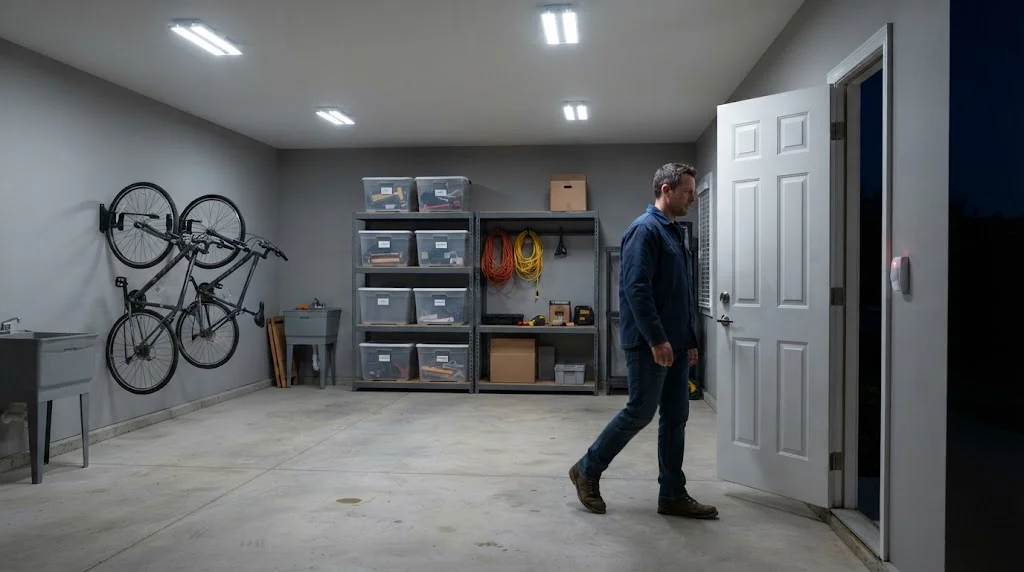
- Laundry rooms and pantries: you usually arrive with full hands.
- Garages: light the way from the car to the house door. Our garage security ideas guide has more tips.
- Walk-in closets and storage rooms: stop lights being left on for hours.
- Bathrooms: vacancy mode avoids lights flicking on at night; consider a long timeout so lights don’t go off in the shower.
- Hallways and stairs: hands-free light when you need it. For spots without a switch, a plug-in or battery motion sensor light is easier.
Avoid motion switches in living rooms and home offices where you sit still for long periods. A PIR sensor may decide the room is empty and turn the lights off on you.
How to Install a Motion Sensor Light Switch
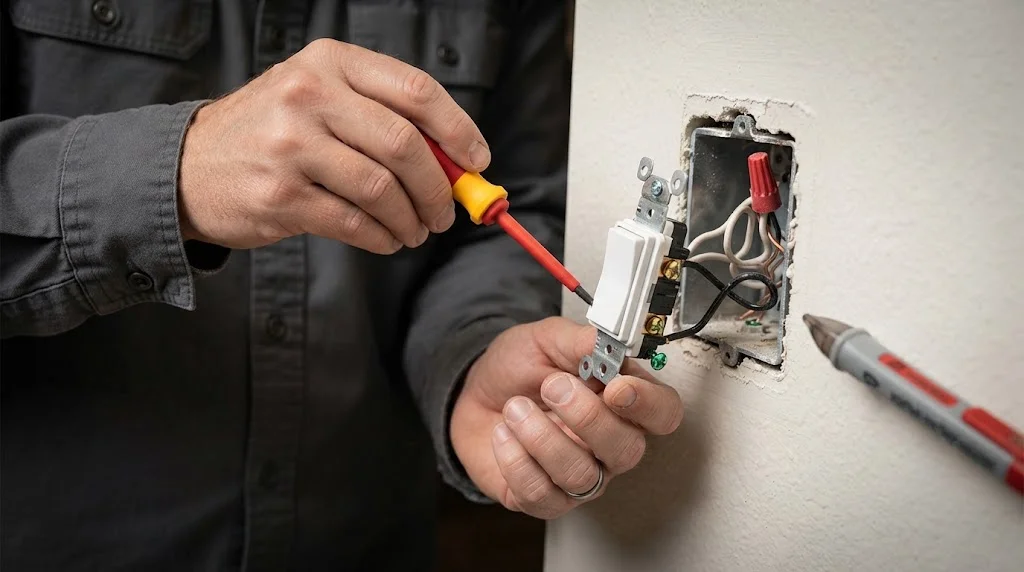
Safety first: if you’re not comfortable working with household wiring, or the wiring doesn’t match what’s described here, hire a licensed electrician. Always follow the instructions that come with your switch.
- Turn off the breaker for the circuit and confirm the power is off with a non-contact voltage tester.
- Remove the cover plate and old switch, and take a photo of the wiring before disconnecting anything.
- Identify the wires: line (power in), load (to the light), ground (bare or green) and, if present, neutral (white).
- Connect the new switch as shown in its instructions, usually line, load and ground, plus neutral if required, using wire nuts or the push-in terminals.
- Fold the wires back into the box, screw in the switch and fit the cover plate.
- Turn the breaker back on and walk-test the sensor.
- For smart switches, set up the app and connect to your Wi-Fi.
Most motion switches are single-pole only. If your light is controlled from two places (a three-way setup), you’ll need a switch designed for three-way use.
Settings to Adjust After Installing
- Timeout: 1 to 5 minutes for closets and hallways, 15 to 30 minutes for laundry rooms and garages.
- Mode: occupancy for utility rooms, vacancy for bedrooms and offices.
- Sensitivity: lower it if pets or a nearby hallway trigger the light.
- Ambient light: stop the light switching on in a sunny room.
Shorter timeouts save the most energy; see our tips on how to lower your electricity bill.
Troubleshooting
- Light turns off while you’re in the room: increase the timeout or move to a presence-based solution.
- Light won’t turn on: check the mode (vacancy needs a button press) and the ambient light setting.
- LED bulbs flicker or glow when off: some no-neutral switches leak a little current; use bulbs rated for the switch or a model with a neutral.
- Turns on from the hallway: reduce sensitivity or use the switch’s masking/lens settings if it has them.
- Smart switch offline: check 2.4 GHz Wi-Fi signal at the switch box.
Free tools: Still using old bulbs? Our LED vs incandescent savings calculator shows your yearly savings and payback time when you switch to LED.
Frequently Asked Questions
Can I replace any light switch with a motion sensor switch?
Most single-pole switches, yes. Check whether your box has a neutral (if the switch needs one), that the switch supports your bulb type and wattage, and whether your light uses a three-way setup.
Do motion sensor switches work with LED bulbs?
Yes, most current models are rated for LED loads. The Leviton IPS02, for example, handles up to 150 W of LED or CFL lighting. Check the rating before adding many fixtures to one switch.
How long does the light stay on?
You choose. Typical options are 1, 5, 15 or 30 minutes after the last movement detected.
Can I turn the light on manually?
Yes. Every motion switch has a button to turn the light on or off by hand, and smart models also work from an app or voice assistant.
Will pets trigger a motion sensor switch?
They can. Lower the sensitivity, or use vacancy mode so the light only comes on when someone presses the button.
Is a motion switch better than a smart bulb with a motion sensor?
A switch controls every bulb on the circuit and always works, even if someone flips the switch. A smart bulb plus a separate sensor is easier to install but depends on the wall switch staying on. Our smart plug guide covers another simple way to automate lamps.
Final Verdict
For a simple, reliable upgrade, the Lutron Maestro MS-OPS2 is hard to beat, especially in older homes thanks to its optional neutral. The Leviton IPS02 is a solid no-neutral alternative, and the Kasa KS200M is the pick if you want app control, dimming and voice assistant support. Put them in rooms you pass through, not rooms you sit in, and choose the right timeout for each space.



