

A floodlight camera combines two of the most useful things you can put on the outside of a house: a bright motion-activated light and a security camera. When someone walks up the driveway at night, the lights snap on, the camera records in full color and your phone gets an alert, often before the person reaches the door.
This buying guide compares the floodlight cameras worth looking at in 2026, explains what the specs actually mean (lumens, resolution, motion detection, power) and covers installation and subscription costs so there are no surprises.
Table of Contents
- Quick Picks
- Comparison Table
- Ring Floodlight Cam Pro: Best for Ring Homes
- Wyze Cam Floodlight v2: Best Value
- eufy Floodlight Camera E340: Best Without a Subscription
- Google Nest Cam with Floodlight: Best for Google Home
- What to Look For in a Floodlight Camera
- Installation: Hardwired vs. Plug-In
- Subscriptions and Storage
- Placement Tips
- Frequently Asked Questions
- Final Verdict
Quick Picks
- Best for Ring homes: Ring Floodlight Cam Pro, with radar-based 3D Motion Detection
- Best value: Wyze Cam Floodlight v2, with 2,800 lumens and 2K video at around $100
- Best without a subscription: eufy Floodlight Camera E340, with local storage and a dual-lens camera that pans
- Best for Google Home: Google Nest Cam with Floodlight
Comparison Table
| Model | Brightness | Video | Local storage | Power | Approx. price |
|---|---|---|---|---|---|
| Ring Floodlight Cam Pro | 2,000 lumens (3000K) | 2K HDR | No (Ring plan for history) | Hardwired or plug-in | ~$150–230 |
| Wyze Cam Floodlight v2 | 2,800 lumens (5000K) | 2K, 160° view | microSD up to 256 GB | Hardwired (junction box + neutral) | ~$100 |
| eufy Floodlight Camera E340 | 2,000 lumens (4000K) | 3K wide + 2K telephoto, 355° pan | microSD up to 128 GB, HomeBase | Hardwired; plug-in cable version | Mid-range |
| Google Nest Cam with Floodlight | Not listed | 1080p HDR, 180° motion detection | No (3 hours event history free) | Hardwired | ~$280 |
Ring Floodlight Cam Pro: Best for Ring Homes
The Ring Floodlight Cam Pro pairs two 2,000-lumen-rated LED floodlights with a warm 3000K color and 2K HDR video. Its standout feature is 3D Motion Detection, which uses radar to work out where someone is and how far away, so you can set precise zones across a 270° area out to about 30 feet. It comes in a hardwired version and a plug-in version with a 20-foot cord.
Live view and alerts work without a subscription, but recorded video history and smart features need a Ring plan. For a deeper look at Ring’s lineup, read our Ring Floodlight Camera guide.
- Pros: radar motion zones, warm light, plug-in option, strong app
- Cons: recordings require a Ring subscription
Wyze Cam Floodlight v2: Best Value
The Wyze Cam Floodlight v2 offers a lot for roughly $100: 2,800 lumens from two dimmable panels, 2K video (2304 × 1296) with color night vision, a 160° field of view and a 270° PIR motion sensor. It records 24/7 to a microSD card up to 256 GB and adds a 105 dB siren and two-way audio. Cloud recording and AI alerts need Wyze’s Cam Plus plan.
- Pros: brightest light here, low price, local recording, loud siren
- Cons: cool 5000K light; needs a junction box with a neutral wire
eufy Floodlight Camera E340: Best Without a Subscription
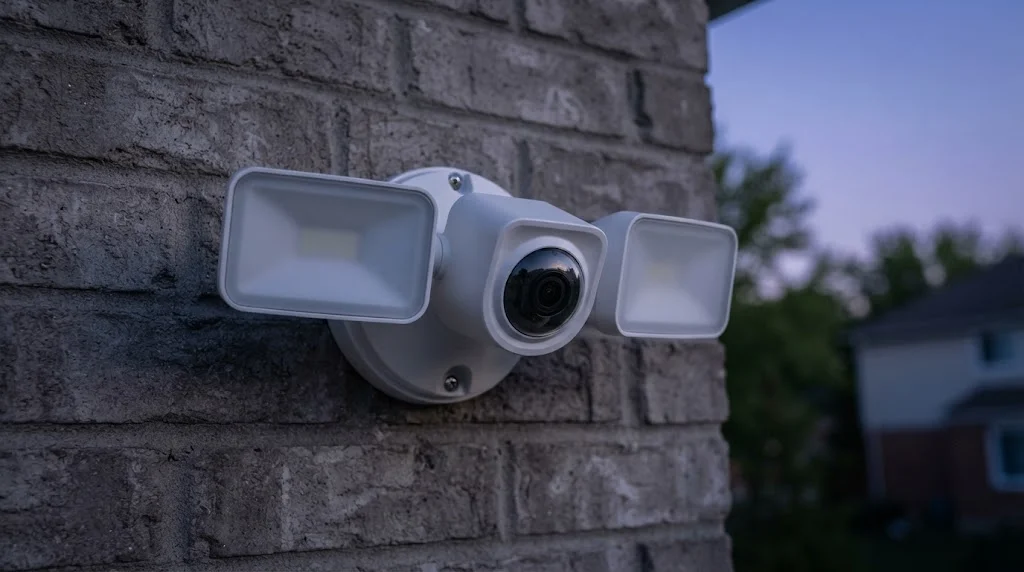
eufy’s Floodlight Camera E340 uses a dual-camera system: a 3K wide-angle lens plus a 2K telephoto, with 355° horizontal pan and AI person tracking. It has 2,000 lumens of 4000K light, a 95 dB alarm, IP65 weatherproofing and Wi-Fi 6. Video saves to a microSD card (up to 128 GB) or a eufy HomeBase, so you don’t need a monthly plan. One version comes with a 20-foot AC cable that plugs into an outdoor outlet, so no junction box is required.
- Pros: no required subscription, pan and zoom, 24/7 recording
- Cons: resolution drops to 2K in tracking or dual-view modes; no HomeKit
If avoiding monthly fees is your top priority, see our guide to security cameras without a subscription.
Google Nest Cam with Floodlight: Best for Google Home
The Google Nest Cam with Floodlight records 1080p HDR video with night vision and has 180° motion detection. It includes up to three hours of event video history for free, while features like familiar-face alerts and longer history need a Google Home Premium subscription. It’s the natural choice if your home already runs on Google Home and Nest devices, though it’s the priciest option here at around $280.
- Pros: tight Google Home integration, free 3-hour event history
- Cons: 1080p only, expensive, hardwired install
What to Look For in a Floodlight Camera
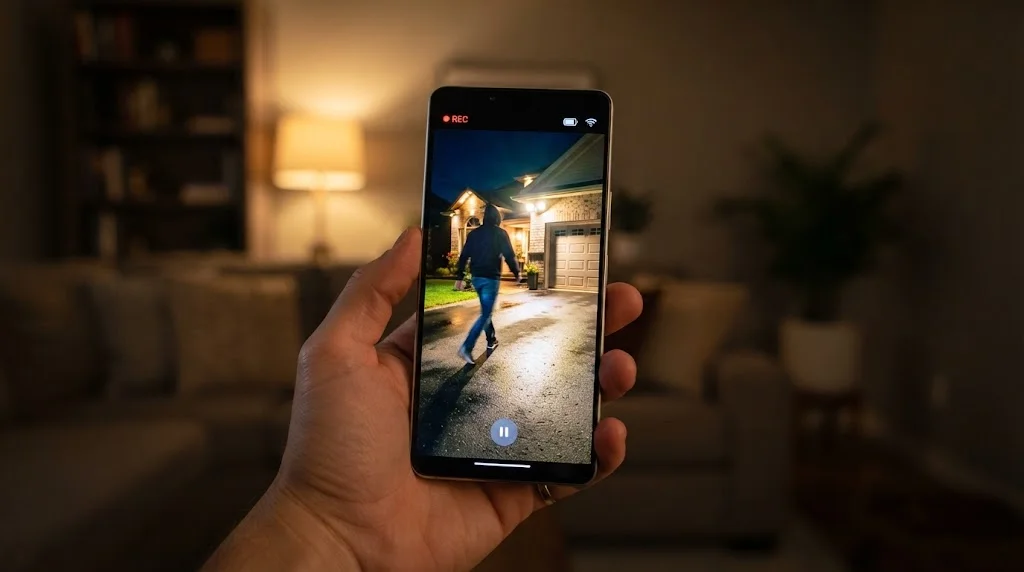
- Brightness: 2,000 lumens or more lights up a typical driveway. Check whether the light is dimmable.
- Color temperature: 3000K is warmer and friendlier to neighbors; 5000K looks harsher but very bright.
- Video resolution: 2K is the sweet spot; 1080p is fine for close areas, 3K/4K helps with faces and plates farther away.
- Motion detection: PIR is standard; radar (Ring’s 3D Motion) and AI person detection cut false alerts.
- Storage: local microSD or a base station avoids monthly fees; cloud plans add history and smart search.
- Siren and two-way audio: useful for scaring off intruders or talking to delivery drivers.
- Weather rating: look for IP65 or better.
Installation: Hardwired vs. Plug-In
Most floodlight cameras replace an existing outdoor light and connect to its junction box, usually needing line, neutral and ground wires. If you’re comfortable turning off the breaker and swapping a light fixture, it’s a manageable DIY job; otherwise hire an electrician. Plug-in versions, like the Ring Floodlight Cam Pro plug-in and the eufy E340 with AC cable, only need an outdoor outlet nearby.
Check your Wi-Fi signal at the mounting spot before buying; driveways and garages are often at the edge of coverage. Our PoE camera system guide is worth a look if your Wi-Fi can’t reach.
Subscriptions and Storage
- Ring: live view and alerts free; recordings and smart features need a Ring plan.
- Wyze: free 24/7 microSD recording; Cam Plus adds cloud video and AI.
- eufy: local storage on microSD or HomeBase; no plan required.
- Google Nest: 3 hours of event history free; Google Home Premium adds more.
Placement Tips
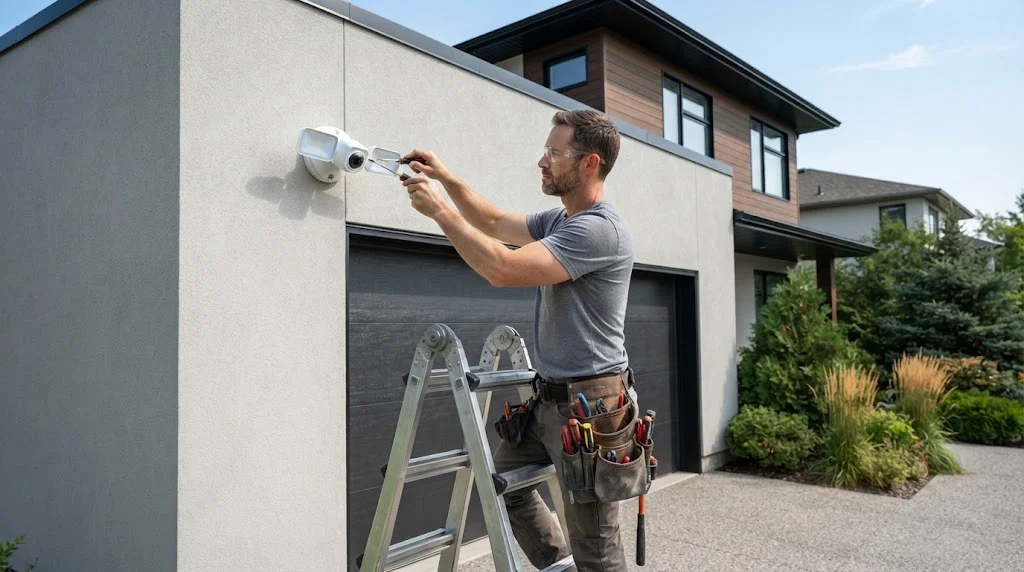
- Mount around 9–10 feet high so the camera is hard to reach but still sees faces.
- Cover the driveway, garage door or side gate, the routes people actually use.
- Angle the lights down to avoid shining into neighbors’ windows.
- Avoid pointing directly at the street to reduce car-headlight alerts.
- Use motion zones to ignore sidewalks and trees.
Floodlight cameras work best as part of a wider setup; see our outdoor security camera systems guide, the garage security ideas guide and our motion sensor light guide for areas that just need light.
Free tools: How much storage will your cameras need? Our free security camera storage calculator shows how many days of footage your hard drive or microSD card will hold. Still using old bulbs? Our LED vs incandescent savings calculator shows your yearly savings and payback time when you switch to LED.
Frequently Asked Questions
What is a floodlight camera?
It’s an outdoor security camera with built-in motion-activated floodlights. The lights deter intruders and give the camera enough light to record clear color video at night.
Do floodlight cameras need a subscription?
Not always. eufy and Wyze can record to a microSD card without a plan. Ring and Google offer live view and alerts for free but need a subscription for longer recorded history and smart features.
Can I install a floodlight camera without existing wiring?
Yes, with a plug-in model that uses an outdoor outlet, such as the Ring Floodlight Cam Pro plug-in or the eufy E340 with AC cable. Battery and solar floodlight cameras also exist but are usually dimmer.
How many lumens should a floodlight camera have?
Around 2,000 lumens covers most driveways and backyards. The models in this guide range from 2,000 to 2,800 lumens.
Do floodlight cameras work with Alexa or Google Home?
Most do. Ring works best with Alexa, Nest with Google Home, and Wyze and eufy support both. Check before buying if you want Apple Home, as support is limited.
Will a floodlight camera bother my neighbors?
It can if aimed poorly. Point the lights down at your property, dim them if possible, use a warmer color temperature and set motion zones so they don’t trigger on the street.
Final Verdict
For most people, the Wyze Cam Floodlight v2 offers the most light and features for the money. Ring households should choose the Ring Floodlight Cam Pro for its radar motion zones, while anyone who wants to avoid monthly fees will like the eufy E340’s local storage and pan-and-zoom camera. Google Home users get the smoothest experience with the Nest Cam with Floodlight, if the price fits.



