

If you want a home camera setup that just works, day after day, with no batteries to charge and no WiFi dropouts, a PoE home security camera system is the gold standard. PoE stands for Power over Ethernet: one network cable carries both power and video to each camera. Pair the cameras with a network video recorder (NVR) and you get sharp 4K footage, 24/7 recording to a hard drive and smart alerts, usually with no monthly subscription at all.
In this guide, you will learn exactly how PoE camera systems work, how they compare with WiFi and battery cameras, the best PoE systems for homes in 2026, how much storage you need, and how to install one yourself step by step.
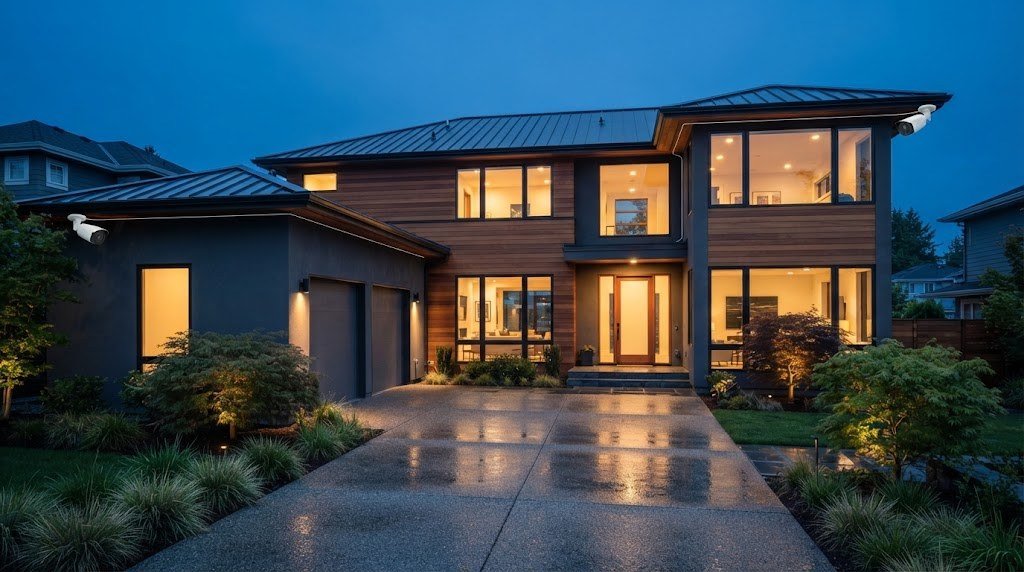
Quick Picks: Best PoE Home Security Camera Systems
| System | Cameras / NVR channels | Resolution | Storage included | Best for |
|---|---|---|---|---|
| Reolink RLK8 810B4 | 4 cameras / 8 channels | 4K (8MP) | 2TB | Best overall for most homes |
| Lorex 4K Fusion PoE system | 4 to 6 cameras / 8 channels | 4K (8MP) | 2TB on most kits | Color night vision and smart features |
| Amcrest 4MP UHD PoE kit | 4 cameras / 8 channels | 4MP | 1TB | Best value |
| Annke H800 4K dome system | 4 dome cameras | 4K (8MP) | 2TB | Vandal resistant domes |
| Reolink RLK16 800B8 | 8 cameras / 16 channels | 4K (8MP) | 3TB | Large homes and properties |
| Annke 8CH 5MP PoE kit | 4 cameras / 8 channels | 5MP | 1TB | Tight budgets |
Most 4 camera PoE kits cost roughly $300 to $700, depending on resolution, storage and features. Prices change often, so check current listings before you buy.
What Is a PoE Home Security Camera System?
A PoE system has three main parts:
- PoE cameras. Each camera connects with a single Ethernet cable (Cat5e or Cat6). That cable delivers power and carries the video signal.
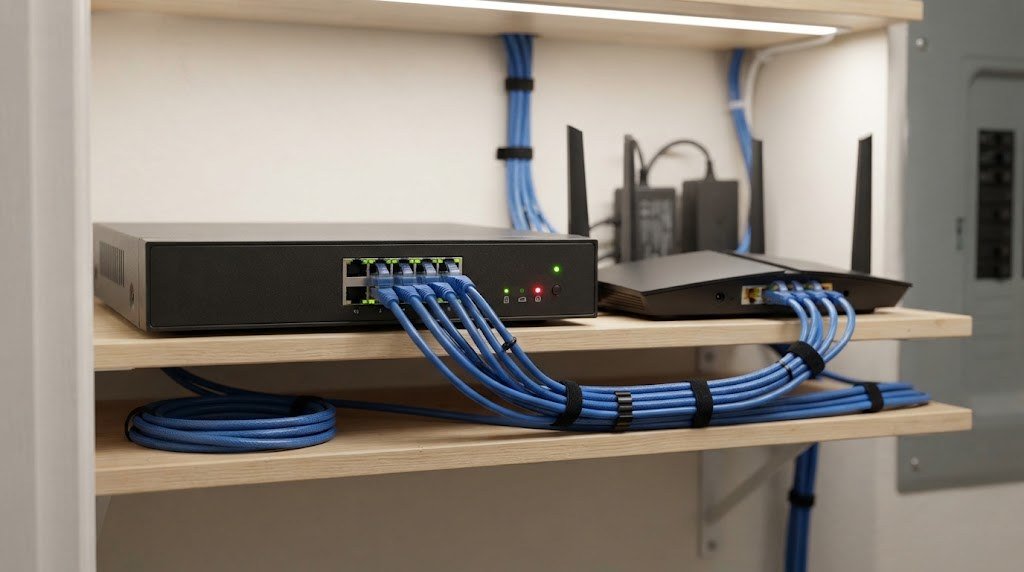
- An NVR (network video recorder). The NVR records footage from every camera to a built in hard drive. Most home NVRs have PoE ports on the back, so you plug the cameras straight in.
- An app or monitor. You watch live and recorded video on your phone, a computer, or a TV or monitor connected to the NVR by HDMI.
Because the cameras are wired, they do not rely on your WiFi, and they never need batteries. The NVR keeps recording even if your internet goes down, and you can still view the cameras on a local monitor.
How Power over Ethernet works
PoE follows IEEE standards that define how much power a single cable can safely deliver:
| Standard | Common name | Power at the device | Typical use |
|---|---|---|---|
| 802.3af | PoE | Up to about 13W | Most fixed bullet, dome and turret cameras |
| 802.3at | PoE+ | Up to about 25W | Cameras with spotlights, heaters or PTZ motors |
| 802.3bt | PoE++ | 51W or more | Large PTZ cameras and specialty devices |
A single Ethernet run can be up to 100 meters (328 feet) long, which covers almost any home. For longer distances, you can add a PoE extender or switch.
PoE vs WiFi vs Battery Cameras
| Feature | PoE (wired) | WiFi (plug in) | Battery / wire free |
|---|---|---|---|
| Power | Through Ethernet cable | Power adapter at camera | Battery or solar |
| Connection | Wired, very stable | WiFi, can drop | WiFi, can drop |
| 24/7 recording | Yes | Often | Rarely (motion clips) |
| Video quality | Best, up to 4K and beyond | Good | Good, limited by battery |
| Installation | Run cables | Needs outlet nearby | Easiest |
| Monthly fee | Usually none | Varies | Varies |
| Best for | Homeowners, long term | Simple setups | Renters, hard to wire spots |
If you rent or cannot run cables, a battery camera may make more sense. Our guide to the best wireless doorbell camera with no subscription and our best solar powered security cameras cover wire free options. But if you own your home and want the most reliable system possible, PoE is worth the extra installation effort.
Benefits of a PoE Camera System
- Reliability. No WiFi interference, no dead batteries, no missed motion because a camera was asleep.
- True 24/7 recording. Continuous recording plus motion and AI event markers, so you never miss what happened before an alert.
- Higher video quality. Wired bandwidth supports 4K, 12MP and high frame rates without stutter.
- No subscription. Footage stays on the NVR hard drive in your home. Most brands include person and vehicle detection for free.
- Better privacy. Video does not have to leave your house unless you choose to view it remotely.
- Easy expansion. An 8 channel NVR with 4 cameras leaves room to add more later.
- Works during internet outages. The NVR keeps recording locally, and with a small UPS battery backup it can even ride through short power cuts.
The Best PoE Home Security Camera Systems in 2026
1. Reolink RLK8 810B4: Best Overall
Reolink’s 4K PoE kit is the system we would recommend to most homeowners. It includes four 8MP bullet cameras, an 8 channel NVR with a 2TB hard drive, and smart person and vehicle detection with no subscription. Night vision reaches up to about 100 feet, and the Reolink app is easy to use on phone and desktop.
The 8 channel NVR means you can start with four cameras and add four more later, including Reolink PoE doorbells and turret or PTZ cameras.
- Cameras: 4 x 4K bullet
- NVR: 8 channels, 2TB hard drive
- Smart detection: Person and vehicle, free
- Approx. price: Around $400 to $500
Pros: Excellent value for 4K, simple app, easy to expand
Cons: Bullet cameras only in this kit, 2TB fills quickly with 8 cameras recording 24/7
2. Lorex 4K Fusion PoE System: Best Features and Color Night Vision
Lorex systems are known for polished apps and strong night performance. Many Lorex 4K kits include color night vision, smart deterrence with lights and sirens, and person, vehicle and face detection. The Fusion platform also lets you add compatible Lorex WiFi cameras and doorbells to the same NVR.
- Cameras: 4 to 6 x 4K (varies by bundle)
- NVR: 8 channels, typically 2TB
- Smart detection: Person, vehicle, face (model dependent)
- Approx. price: Around $500 and up
Pros: Color night vision, smart deterrence, mixes wired and WiFi devices
Cons: Higher price, some advanced features vary by bundle
3. Amcrest 4MP UHD PoE Kit: Best Value
If you want a dependable PoE system without paying for 4K, Amcrest’s 4MP kits are a smart pick. You get four weatherproof IP67 cameras, an 8 channel NVR with a 1TB drive and support for standard ONVIF and RTSP streaming, which makes Amcrest popular with people who use Blue Iris or Home Assistant.
- Cameras: 4 x 4MP
- NVR: 8 channels, 1TB hard drive
- Approx. price: Around $350
Pros: Affordable, open standards, durable cameras
Cons: Lower resolution than 4K kits, smaller hard drive
4. Annke H800 4K Dome System: Best for Vandal Resistance
Dome cameras are harder to knock out of position and hide which direction they are pointing. Annke’s H800 kit uses 4K domes with an IK10 vandal resistance rating, a Sony sensor with strong low light performance, and person and vehicle detection without a subscription.
- Cameras: 4 x 4K dome
- NVR: Includes 2TB storage
- Approx. price: Mid range for a 4K kit
Pros: Tough, discreet domes, good low light images
Cons: Wide angle lens adds some edge distortion
5. Reolink RLK16 800B8: Best for Large Homes
For larger properties, this kit pairs eight 4K cameras with a 16 channel NVR and a 3TB hard drive. You can cover every side of the house, the driveway, garage and backyard, and still add up to eight more cameras later.
- Cameras: 8 x 4K
- NVR: 16 channels, 3TB hard drive
- Approx. price: Around $700 and up
Pros: Huge coverage, room to grow
Cons: More cable runs, larger upfront cost
6. Annke 8CH 5MP PoE Kit: Best Budget Option
If you mainly want reliable 24/7 coverage on a tight budget, Annke’s 5MP kits deliver sharp video with efficient H.265+ compression, so footage takes up less space on the included 1TB drive.
- Cameras: 4 x 5MP
- NVR: 8 channels, 1TB hard drive
- Approx. price: Around $300
Pros: Low price, efficient storage
Cons: Not 4K, fewer smart features than premium brands
How Much Storage Do You Need?
Storage is the most common thing people underestimate. How long your NVR keeps footage depends on resolution, frame rate, compression (H.265 saves a lot of space) and whether you record 24/7 or only on motion.
As a rough guide for continuous recording with H.265:
| Setup | 1TB | 2TB | 4TB |
|---|---|---|---|
| 4 cameras at 4MP | About 10 to 14 days | About 20 to 28 days | About 40 to 56 days |
| 4 cameras at 4K (8MP) | About 5 to 8 days | About 10 to 16 days | About 20 to 32 days |
| 8 cameras at 4K (8MP) | About 3 to 4 days | About 5 to 8 days | About 10 to 16 days |
These are estimates. Busy scenes, high frame rates and high bitrate settings use more space. To stretch storage:
- Record the main stream on motion and AI events, and a lower resolution substream 24/7.
- Use H.265 or H.265+ compression.
- Lower frame rates to 15 fps for cameras that only watch static areas.
- Upgrade to a larger surveillance rated hard drive (many NVRs support 4TB to 16TB).
Not sure what size hard drive you need? Use our free security camera storage calculator.
How to Plan Your PoE Camera Layout
Before you buy, walk around your home and decide what each camera should see.
- Front door and porch. Faces and packages. A PoE doorbell or turret camera works well.
- Driveway. Vehicles and license plates. Consider a camera with optical zoom for longer driveways.
- Back door and patio. A common entry point for break ins.
- Side gates and walkways. Often overlooked, but popular routes for intruders.
- Garage. Protect cars, tools and bikes. See our garage security ideas for more.
Mount cameras about 8 to 10 feet high, angled down slightly, so they capture faces but are hard to reach. Avoid pointing cameras directly at bright lights or the sun, and check that night vision IR does not reflect off nearby walls or windows.
How to Install a PoE Camera System (Step by Step)
Many homeowners install PoE systems themselves over a weekend. If you are not comfortable running cables through walls or attics, a low voltage installer can do it for you.
- Test everything first. Plug all cameras into the NVR on a table and confirm they work before you mount anything.
- Choose the NVR location. A closet, office or basement near your router. Keep it cool, dry and out of sight.
- Plan cable routes. Attics, basements and soffits are the easiest paths. Measure each run and add extra length.
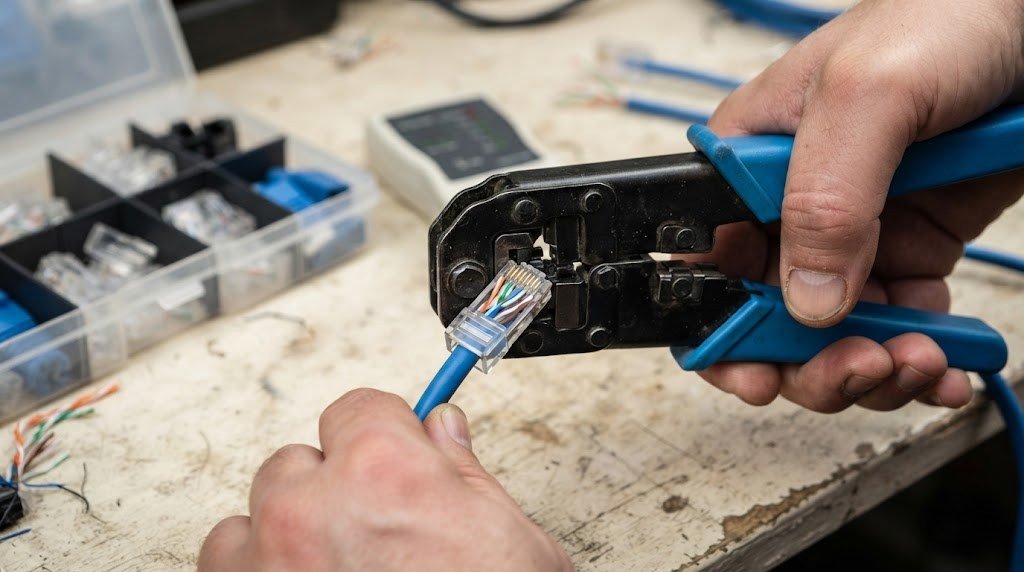
- Run the cables. Use outdoor rated (UV resistant, direct burial if needed) Cat5e or Cat6 for exterior runs. Pre made cables are easiest, or crimp your own for a cleaner install.
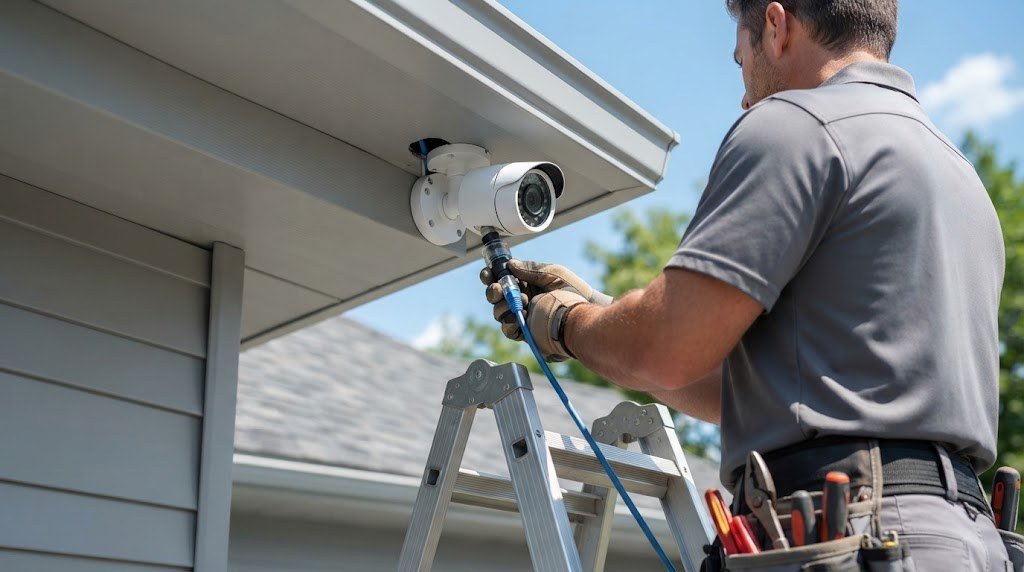
- Drill and mount. Drill a small hole behind each camera location, feed the cable through and mount the camera base or junction box.
- Weatherproof connections. Use the waterproof cover on each camera’s network connector and seal entry holes with outdoor silicone.
- Connect to the NVR. Plug each cable into a PoE port on the NVR, then connect the NVR to your router.
- Set up the app. Add the NVR to the app, name cameras, update firmware, and set motion zones and AI detection.
- Adjust angles. Check every view during the day and at night, then tighten the mounts.
Tip: If your NVR does not have enough PoE ports, or a camera is far away, add a PoE switch near the cameras. Make sure the switch’s total power budget covers every camera, especially models with spotlights or PTZ motors.
Remote Viewing and Smart Home Integration
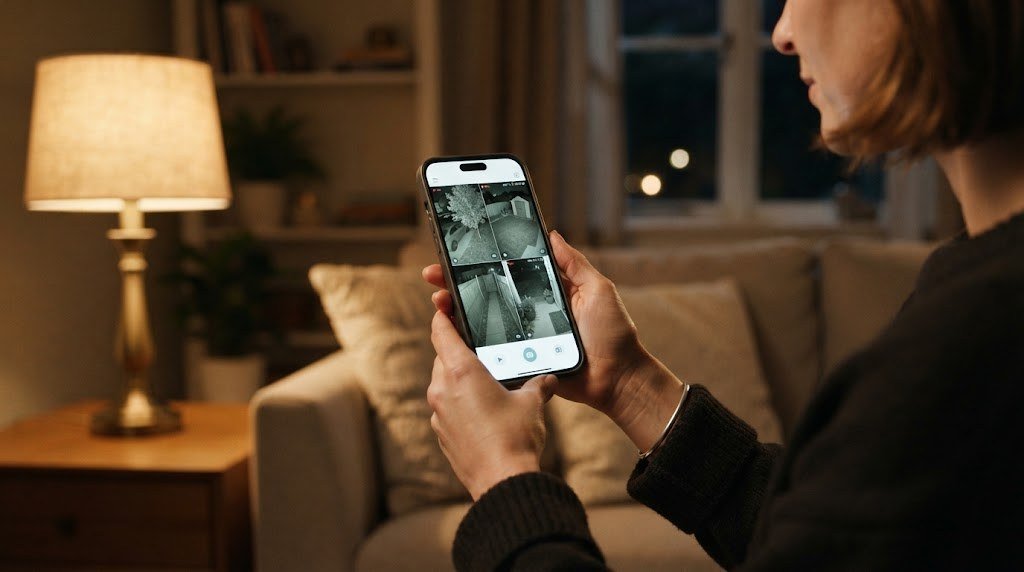
All the systems in this guide let you view live and recorded video in a free phone app. Many also work with Alexa and Google Assistant, so you can show a camera on an Echo Show or Nest Hub. Advanced users can connect PoE cameras to Home Assistant, Blue Iris or Frigate using ONVIF and RTSP streams for powerful local automations. If you are building a bigger smart home, our smart home hub guide explains how cameras fit into a wider system.
Security and Privacy Best Practices
- Change default passwords on the NVR and every camera, and use strong, unique passwords.
- Update firmware for the NVR and cameras regularly.
- Turn on two factor authentication in the app if available.
- Disable UPnP and port forwarding unless you know you need them. Use the manufacturer’s secure remote access or a VPN instead.
- Put the NVR on a separate network or VLAN if your router supports it. Our home network setup guide explains how.
- Protect the NVR physically. Place it out of sight so a burglar cannot simply take the recorder.
- Add a UPS (battery backup) so the NVR and cameras keep running during short power cuts.
How Much Does a PoE Camera System Cost?
| Item | Typical cost |
|---|---|
| 4 camera PoE kit with NVR | $300 to $700 |
| Extra 4K PoE camera | $60 to $150 each |
| Larger hard drive (4TB to 8TB) | $80 to $200 |
| Outdoor Cat6 cable (500 ft box) | $60 to $120 |
| PoE switch (if needed) | $40 to $150 |
| UPS battery backup | $60 to $150 |
| Professional installation | Roughly $100 to $300 per camera, varies by area |
Compared with cloud camera plans that cost $10 to $20 a month, a PoE system usually pays for itself within a few years, and you own your footage outright.
Common Mistakes to Avoid
- Buying too few channels. An 8 channel NVR costs little more than a 4 channel one and leaves room to grow.
- Using indoor cable outside. Indoor Cat6 breaks down in sunlight and moisture. Use outdoor rated cable.
- Ignoring the PoE power budget. Spotlight and PTZ cameras need more power. Check the NVR or switch limits.
- Mounting too high. Cameras above 12 feet often capture the tops of heads instead of faces.
- Forgetting night tests. IR reflections and glare only show up after dark.
- Skipping storage planning. Decide how many days of footage you need before choosing a hard drive.
For a broader look at outdoor options, see our guide to the best outdoor security camera systems, and our home security camera setup guide walks through placement and settings in more detail.
Frequently Asked Questions
What is a PoE home security camera system?
It is a wired camera system where each camera receives power and sends video over a single Ethernet cable. The cameras connect to a network video recorder (NVR) that records footage locally, usually 24/7, with no subscription required.
Is PoE better than WiFi for security cameras?
For reliability and video quality, yes. PoE cameras do not suffer from WiFi interference or battery drain, and they support continuous recording. WiFi and battery cameras are easier to install, so they suit renters or locations where running cable is not practical.
Do PoE camera systems need internet?
No. The NVR records locally without internet. You only need internet for remote viewing on your phone and for app notifications.
How far can a PoE camera be from the NVR?
Up to 100 meters (328 feet) over a single Cat5e or Cat6 cable. For longer runs, add a PoE extender or a PoE switch closer to the camera.
Do PoE camera systems require a monthly subscription?
Most do not. Reolink, Amcrest, Annke and Lorex systems record to the NVR hard drive and include remote viewing and smart detection without a monthly fee. Some brands offer optional cloud backup plans.
Can I mix camera brands on one NVR?
Often yes, if both the NVR and cameras support ONVIF. However, smart features like person detection usually work best with cameras from the same brand as the NVR.
Can I install a PoE camera system myself?
Yes. If you are comfortable drilling small holes and running cable through an attic or along soffits, a DIY install is very doable. Test every camera on a table before mounting, and hire a low voltage installer if you need cables run through finished walls.
How many cameras do I need for my home?
Most homes are well covered with 4 to 6 cameras: front door, driveway, back door, side gate and garage. Larger properties may need 8 or more.
Final Verdict
A PoE home security camera system is the most reliable way to protect your home. One cable per camera delivers power and video, the NVR records 24/7 to a hard drive in your house, and most systems include smart detection without a monthly fee.
For most homes, the Reolink RLK8 810B4 offers the best balance of 4K quality, price and expandability. Choose a Lorex 4K Fusion system for color night vision and smart deterrence, an Amcrest 4MP kit for value and open standards, Annke H800 domes for vandal resistance, or the Reolink RLK16 800B8 for large properties. Plan your camera locations, size your hard drive for the days of footage you need, and you will have a system that protects your home for years.



