

Want to see who is at your door without running wires, calling an electrician or paying a monthly fee? A wireless doorbell camera with no subscription gives you exactly that. It runs on a rechargeable battery or AA batteries, connects to your home WiFi and saves every clip locally on a microSD card, built in memory or an indoor hub. You pay once for the doorbell and that is it.
The problem is that many “wireless” doorbells quietly push you into a paid plan. Some stop saving video without one, others hide person detection or package alerts behind a paywall. In this guide we cut through that. You will learn which battery doorbells truly work without a subscription in 2026, how long their batteries really last, how local storage works, what to do about the chime, and how to install one in about 15 minutes, even if you rent.
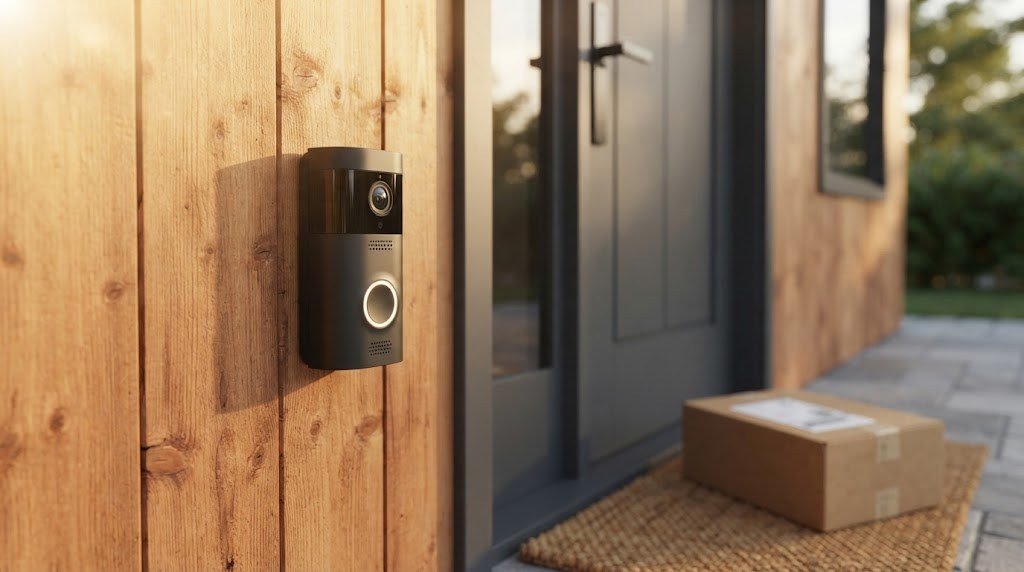
Quick Answer: Best Wireless Doorbell Cameras With No Subscription
If you are short on time, these are our top picks. All of them run on batteries, record video without a paid plan and send motion alerts to your phone for free.
| Rank | Doorbell | Why we like it | Power | Free local storage |
|---|---|---|---|---|
| 1 | TP Link Tapo D225 | Best battery life for the money | 10,000mAh battery | microSD up to 512GB |
| 2 | eufy Video Doorbell E340 | Dual camera sees packages on the mat | Rechargeable battery | Built in memory, optional HomeBase |
| 3 | Reolink Video Doorbell Battery | Head to toe view and free AI alerts | 7,000mAh battery | microSD up to 256GB, optional Home Hub |
| 4 | Aqara Doorbell Camera Hub G410 | Best for Apple Home and Matter | 6 AA batteries | microSD up to 512GB |
| 5 | Blink battery doorbell | Longest time between battery changes | AA batteries | USB storage through a Sync Module |
Prices change often, especially around big sales events, so always check the current price before you buy.
What Is a Wireless Doorbell Camera With No Subscription?
A wireless doorbell camera is a video doorbell that does not need your home’s doorbell wiring. Instead of drawing power from a doorbell transformer, it uses an internal rechargeable battery or replaceable AA batteries. It connects to your WiFi router so it can send alerts and stream live video to your phone.
“No subscription” means the doorbell keeps working fully without a monthly cloud plan. That includes three things you should never have to pay extra for:
- Recording video. Clips are saved locally on a microSD card, built in memory or an indoor hub.
- Watching recordings. You can play back and download clips in the free app.
- Basic smart alerts. Motion alerts, and on the best models, person and package detection.
If a doorbell only lets you watch live video without a plan, and saves nothing, it is not truly subscription free. That is the biggest trap buyers fall into.
Why Choose a Wireless Doorbell Instead of a Wired One?
Wired doorbells are great if your home already has working doorbell wiring. But millions of homes and apartments do not, and many renters are not allowed to touch the electrical system. Here is why a battery doorbell is often the smarter choice:
- Install it anywhere. Front door, side gate, back door or apartment entrance.
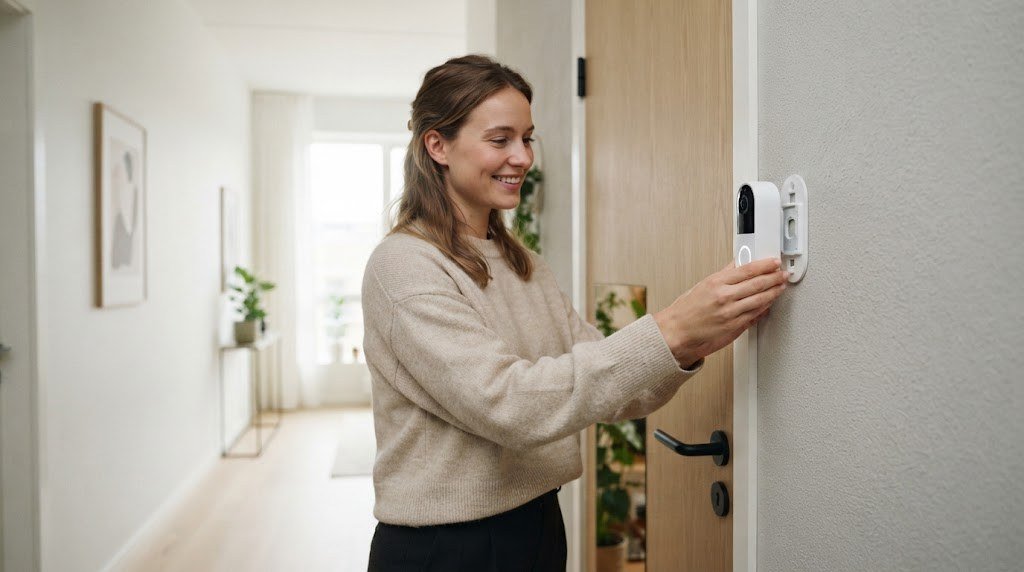
- No electrician needed. Most models mount with two screws or a no drill adhesive plate.
- Perfect for renters. Take it with you when you move out.
- Keeps working during power cuts. A charged battery keeps the camera running as long as your router has power. A small backup battery for the router makes this even better.
- Easy to reposition. Move it to a better angle in seconds.
The trade offs are simple. You need to recharge or replace the batteries every so often, and battery doorbells usually record short motion clips rather than nonstop 24 hour video to save power.
How Wireless Doorbells Record Without a Subscription
Skipping the cloud does not mean skipping recordings. Every doorbell in this guide uses at least one of these local storage methods.
microSD card inside the doorbell
This is the most common option. You insert a microSD card before mounting the doorbell, and clips save straight to it. It is cheap and simple. The downside is that if someone steals the doorbell, the card goes with it.
Built in memory
Some doorbells, like the eufy E340, include storage inside the device. There is nothing extra to buy, and it records from the first day.
Indoor hub or base station
Brands like eufy and Reolink offer an indoor hub that stores clips inside your home. This is the safest choice, because your footage stays protected even if the doorbell is damaged or stolen. Hubs usually add much more storage, too.
Sync module with USB storage
Blink doorbells can save clips to a USB drive plugged into a Blink Sync Module inside your home. It is low cost, but some advanced features may still need a plan.
Apple HomeKit Secure Video
Apple users with an iCloud+ plan can store encrypted clips from compatible doorbells like the Aqara G410. If you already pay for iCloud+, this does not add a new bill.
Pro tip: Use a “high endurance” microSD card made for dash cams and security cameras. Standard cards wear out faster under constant recording, and a failed card is the number one reason people suddenly find no recordings in their app.
The Best Wireless Doorbell Cameras With No Subscription in 2026
1. TP Link Tapo D225: Best Battery Life for the Money
The Tapo D225 is our top pick because it gets the basics right at a fair price. Its huge 10,000mAh battery is one of the largest you will find in a doorbell, which means fewer trips to the charger even at a busy front door. It records sharp 2K video (2560 x 1920) and saves it to a microSD card up to 512GB, which is enough for months of motion clips.
Tapo does not lock smart features behind a paywall. You get person, pet and vehicle detection, package detection and custom activity zones for free. It works with both Alexa and Google Assistant, so you can see visitors on an Echo Show or Nest Hub. If you ever find doorbell wiring, you can connect it for constant power.
Key specs
- Power: 10,000mAh rechargeable battery, optional wiring
- Storage: microSD up to 512GB
- Video: 2K (2560 x 1920)
- Smart home: Alexa, Google Assistant
- Free features: person, pet, vehicle and package detection, activity zones
Pros
- Excellent battery capacity for the price
- Very large microSD support
- No subscription needed for smart alerts
Cons
- Chunky design
- You remove the whole doorbell from its bracket to charge it
Best for: Budget buyers who want long battery life and lots of local storage.
2. eufy Video Doorbell E340: Best for Package Protection
Most doorbells cannot see the ground directly below them, which is exactly where delivery drivers leave packages. The eufy E340 solves this with two cameras. The main 2K camera faces visitors, and a second camera points down at your doormat. You get a clear view of every parcel from the moment it lands.
It stores video in built in memory, so it records right out of the box with no card and no plan. You can add a eufy HomeBase later for more storage and safer indoor recording.
Key specs
- Power: rechargeable battery, optional wiring
- Storage: built in memory, optional eufy HomeBase
- Video: 2K main camera plus a package camera
- Smart home: Alexa, Google Assistant
- Free features: person and package detection, two way audio, quick replies
Pros
- Sees packages on the doormat
- Records locally from day one
- Easy app
Cons
- Two cameras use the battery faster at busy doors
- eufy had a publicized privacy issue in 2022, which the company says it has since addressed
Best for: Homes with frequent deliveries and anyone worried about porch pirates.
3. Reolink Video Doorbell Battery: Best Head to Toe View
The Reolink battery doorbell records in a square 1:1 aspect ratio. That shape shows visitors from head to toe and the package at their feet with a single lens, with no awkward cropping. Video is a crisp 2K (4MP).
Reolink is one of the most generous brands when it comes to free features. Person, vehicle and package detection are all included without a plan. Clips save to a microSD card up to 256GB, and the optional Reolink Home Hub moves storage indoors and adds more capacity.
Key specs
- Power: 7,000mAh rechargeable battery, optional wiring
- Storage: microSD up to 256GB, optional Reolink Home Hub
- Video: 2K (4MP), 1:1 aspect ratio
- Smart home: Alexa, Google Assistant
- Free features: person, vehicle and package detection
Pros
- Full head to toe view
- Generous free AI detection
- Flexible local storage
Cons
- The battery is built in, so you take the doorbell down to charge
- The indoor chime is sold separately
Best for: People who want the clearest full view of visitors and packages.
4. Aqara Doorbell Camera Hub G410: Best for Apple Home
The Aqara G410 takes a different approach to power. It runs on six AA batteries instead of a built in battery pack, so when they run low you can swap in fresh ones in seconds rather than waiting hours for a recharge. It records 2K video to a microSD card up to 512GB and supports Apple HomeKit Secure Video.
It is also a smart home hub in disguise. The G410 works as a Matter bridge, a Zigbee hub and a Thread border router, and it includes free face recognition. If you use Apple Home, Google Home, Alexa or Home Assistant, it fits right in.
Key specs
- Power: 6 AA batteries, optional wiring
- Storage: microSD up to 512GB, HomeKit Secure Video
- Video: 2K
- Smart home: Apple Home, Alexa, Google Home, Home Assistant, Matter
- Free features: face recognition, person detection
Pros
- Swappable AA batteries
- Excellent Apple Home support
- Doubles as a smart home hub
Cons
- Only IPX3 water resistance, so it needs a covered porch
- Video resolution drops slightly when viewed in HomeKit
Best for: iPhone households and anyone building a Matter smart home.
5. Blink Battery Doorbell: Longest Time Between Battery Changes
Blink doorbells are famous for long battery life. They run on standard AA lithium batteries and can often go many months, sometimes more than a year at quiet entrances, before you need new ones. For local recording without a subscription, add a Blink Sync Module with a USB drive, which saves clips inside your home.
Key specs
- Power: AA lithium batteries
- Storage: local through a Blink Sync Module with USB storage
- Smart home: Alexa
Pros
- Very long battery life
- Low price
- Simple setup for Alexa homes
Cons
- Some features, such as person detection and cloud clip sharing, may need a plan
- Local storage needs the Sync Module
Best for: Alexa households that want a cheap doorbell they rarely need to think about.
Wireless Doorbell Comparison Table
| Feature | Tapo D225 | eufy E340 | Reolink Battery | Aqara G410 | Blink |
|---|---|---|---|---|---|
| Power | 10,000mAh battery | Battery | 7,000mAh battery | 6 AA | AA |
| Local storage | microSD 512GB | Built in + HomeBase | microSD 256GB + Home Hub | microSD 512GB | Sync Module USB |
| Video | 2K | 2K + package cam | 2K, 1:1 | 2K | Varies |
| Free person detection | Yes | Yes | Yes | Yes | Limited |
| Apple Home | No | No | No | Yes | No |
| Alexa / Google | Both | Both | Both | Both | Alexa |
| Best for | Value | Packages | Full view | Apple, Matter | Low maintenance |
Doorbells to Avoid If You Never Want a Subscription
Some popular battery doorbells are excellent hardware, but they are built around a paid plan.
- Ring battery doorbells: Without a Ring Home plan, you get live view and alerts, but no video is saved. You cannot go back and watch what happened.
- Google Nest Doorbell (battery): Includes only a short window of free event history. Longer history and smarter features need a paid Google Home plan.
- Arlo battery doorbells: Most useful features, including cloud recording and smart alerts, require an Arlo Secure plan.
These are fine choices if you are happy to pay monthly, but they are not the right fit if your goal is zero recurring cost.
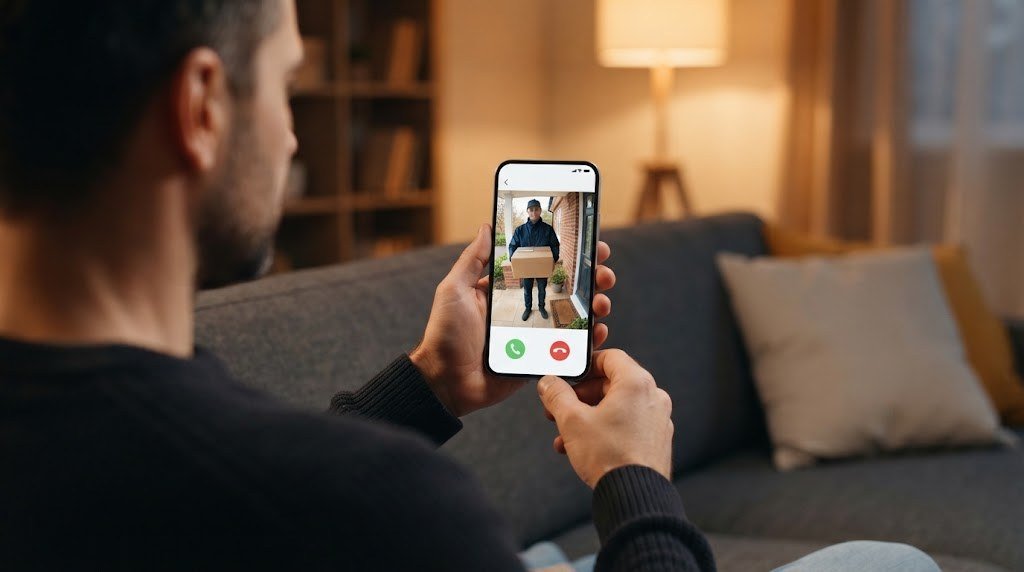
How Long Does a Wireless Doorbell Battery Last?
Brands often quote impressive numbers, but real life depends on how busy your door is. As a rough guide:
| Entrance type | Motion events per day | Typical rechargeable battery life |
|---|---|---|
| Quiet (apartment, rural home) | Under 10 | 3 to 6 months |
| Average family home | 10 to 30 | 1 to 3 months |
| Busy street or shared entrance | 30+ | 2 to 6 weeks |
AA powered models like Blink and Aqara often last longer between changes, and a solar panel can keep a rechargeable doorbell topped up almost indefinitely.
What drains the battery fastest
- Frequent motion: Cars, people on the sidewalk and even swaying plants.
- Long clips: A 60 second clip uses far more power than a 15 second one.
- Live view: Watching the live feed keeps the camera fully awake.
- Cold weather: Batteries lose capacity below freezing.
- Weak WiFi: A doorbell that struggles to stay connected uses extra power.
8 ways to make your battery last longer
- Draw activity zones that cover only your path and porch.
- Turn on person detection so cars do not trigger recordings.
- Shorten clip length to 15 or 20 seconds.
- Lower motion sensitivity slightly if you get false alerts.
- Improve the WiFi signal at the door with a mesh node or extender.
- Add a compatible solar panel if your door gets direct sun.
- Avoid leaving live view open for long periods.
- Keep firmware updated, since updates often improve power efficiency.
Night Vision and Video Quality
Most wireless doorbells use infrared night vision, which shows clear black and white video in the dark. A porch light helps a lot. With even a little light, many doorbells can record in color at night, which makes faces and clothing much easier to identify.
When comparing video quality, look beyond resolution. A 2K doorbell with a good lens and a tall or square view is often more useful than a wider camera that cuts off faces and packages.
What About the Chime?
Wired doorbells ring the chime already in your hallway. Wireless ones do not connect to it, so you need another way to hear visitors:
- Phone alerts: Every doorbell here sends a notification when someone presses the button.
- Smart speakers: Alexa and Google speakers can announce visitors, and smart displays show the video.
- Plug in chime: Most brands sell a small chime that plugs into any outlet. Put one in the hallway or living room so everyone hears it.
- Hub chime: Some indoor hubs, like eufy HomeBase, double as a chime.
If several people live in your home, a plug in chime is worth the small extra cost.
How to Install a Wireless Doorbell Camera (Step by Step)
Installing a battery doorbell usually takes 15 to 20 minutes. Here is the process that works for almost every model.
- Charge the battery fully or insert fresh AA batteries.
- Insert the microSD card if your doorbell uses one. It is much easier before mounting.
- Set up the doorbell in the app while standing near your router.
- Check the WiFi signal at the door. If it is weak, fix that first.
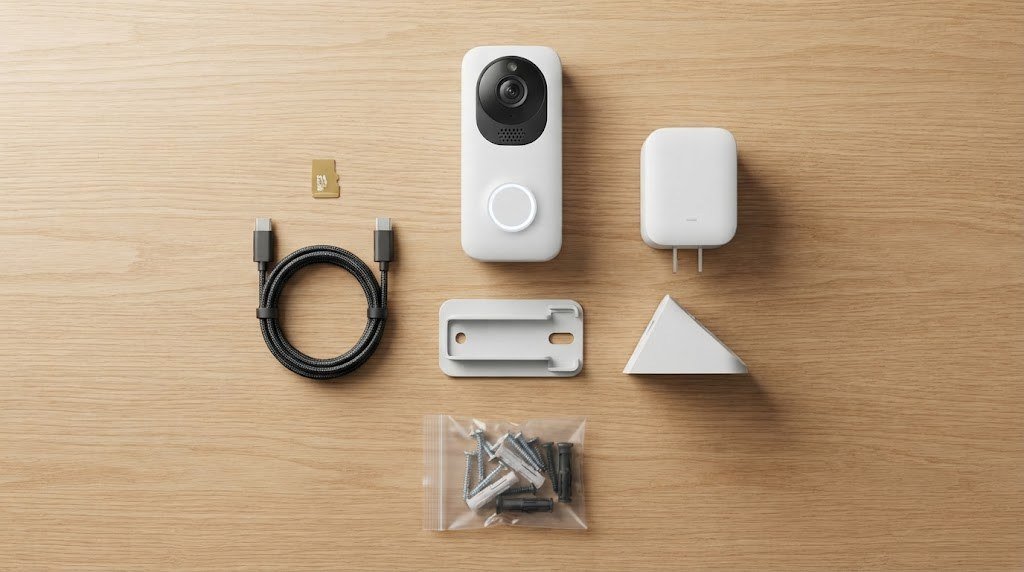
- Choose the height. Around 48 inches (about 1.2 meters) from the ground is ideal for capturing faces.
- Mount the bracket with screws, or use a no drill adhesive plate or door frame clamp if you rent.
- Add the wedge if you want the camera angled toward your walkway.
- Clip the doorbell on and tighten the anti theft screw.
- Set up activity zones, clip length and alerts in the app.
- Test it by pressing the button and walking up to the door.
Renter tip: Ask your landlord before installing, and choose a no drill bracket that hooks over the door or clamps to the frame. When you move out, it comes off without leaving marks.
Wireless vs Wired Doorbell Camera
| Wireless (battery) | Wired | |
|---|---|---|
| Installation | 15 minutes, anywhere | Needs existing doorbell wiring |
| Maintenance | Recharge or replace batteries | None |
| Recording | Motion clips | Motion clips, sometimes 24 hour recording |
| Power cut | Keeps working while battery lasts | Stops unless wiring has backup power |
| Existing chime | Not used | Rings your current chime |
| Response speed | Slightly slower to wake | Usually faster |
| Best for | Renters, homes without wiring | Homeowners with wiring |
Good news: many of the battery models above can also be wired later, so you get the flexibility of both.
Buying Guide: 7 Things to Check Before You Buy
- Truly free recording. Confirm the doorbell saves clips locally without a plan.
- Free smart alerts. Person and package detection should be included.
- Battery type. Built in batteries are convenient, AA batteries are quick to swap.
- Storage location. An indoor hub is safer than a card inside the doorbell.
- Field of view. A tall or square view, or a second camera, shows packages.
- Weather rating. Look for IP65 or better on exposed doors. Lower ratings need a covered porch.
- Smart home support. Make sure it works with Alexa, Google Home or Apple Home, whichever you use.
Security and Privacy Tips
- Use a strong, unique password and turn on two factor login in the app.
- Keep the doorbell and app updated.
- Download important clips quickly, since loop recording overwrites old footage when storage fills up.
- Use an indoor hub if doorbell theft is common where you live.
- Set privacy zones to avoid recording your neighbors’ windows or yard.
For more ways to protect your home, see our guide to the best indoor security cameras that don’t look like cameras and our garage security ideas. If you are building a bigger system, our guide to a smart home without a hub explains how to keep things simple.
Want to protect more than the front door? Our wireless home security system guide shows how to build a complete setup, the best solar powered security cameras pair perfectly with a battery doorbell, and our list of the best budget home security cameras helps you cover the rest of your home for less.
Common Problems and Easy Fixes
| Problem | Likely cause | Fix |
|---|---|---|
| Battery drains in a few weeks | Too many motion events | Tighten activity zones and use person detection |
| Late notifications | Doorbell waking slowly or weak WiFi | Improve WiFi at the door |
| Missed visitors | Camera angle or low sensitivity | Angle toward the walkway, raise sensitivity slightly |
| Choppy live view | Weak 2.4GHz signal | Add a mesh node near the entrance |
| No recordings in app | Full or failed microSD card | Format or replace the card |
| Stops working in winter | Cold reduces battery capacity | Charge more often or add solar |
Free tools: How much storage will your cameras need? Our free security camera storage calculator shows how many days of footage your hard drive or microSD card will hold.
Frequently Asked Questions
Is there a wireless doorbell camera with no monthly fee?
Yes. Wireless doorbells from TP Link Tapo, eufy, Reolink and Aqara record video locally and send alerts without any subscription. Blink doorbells can also record locally with a Sync Module, though some features may need a plan.
How does a wireless doorbell record without a subscription?
It saves clips to a microSD card, built in memory or an indoor hub instead of the cloud. You watch and download recordings through the free app.
How often do I need to charge a wireless doorbell?
Most rechargeable doorbells need charging every one to three months at an average home. Quiet entrances can go longer, and solar panels or AA powered models reduce maintenance even more.
Can I use a wireless doorbell camera in an apartment?
Yes. Battery doorbells are ideal for apartments and rentals. Use a no drill mount and check your building’s rules about cameras in shared hallways.
Does a wireless doorbell work without WiFi?
It needs WiFi to send alerts and let you watch remotely. Some models keep recording to their microSD card during short WiFi outages, and you can review those clips once the connection returns.
Will a wireless doorbell ring inside my house?
Not through your old wired chime. You will get phone alerts, and you can add a plug in chime or use smart speaker announcements.
Which wireless doorbell has the best battery life?
Among rechargeable models, the Tapo D225 stands out with its 10,000mAh battery. AA powered doorbells like Blink often go the longest between battery changes.
Are wireless doorbells safe from theft?
Most include an anti theft screw, and some brands replace stolen doorbells. To protect your recordings, choose a model that supports an indoor hub.
Final Verdict
A wireless doorbell camera with no subscription is the easiest way to see who is at your door without wiring or monthly bills. For most people, the Tapo D225 is the best value thanks to its huge battery and 512GB microSD support. If packages are your main concern, the eufy E340 and its second camera are hard to beat. The Reolink Video Doorbell Battery gives the clearest head to toe view with generous free AI alerts, and the Aqara G410 is the top choice for Apple Home and Matter fans.
Charge it, mount it, set your activity zones, and you will have a smarter, safer front door in under 20 minutes, with no subscription ever.



