

Most security cameras need WiFi, which is a problem if you want to protect a farm, a vacation cabin, a construction site, a boat dock or a remote driveway. A cellular security camera solves that. It connects to the internet through a 4G LTE mobile network using a SIM card, just like a phone, so it works anywhere with cell coverage. Pair it with a solar panel and you have a camera that needs no WiFi, no power cables and almost no maintenance.
Free tool: Use our free Security Camera Storage Calculator to work out how much storage your cameras need for the recording days you want.
This guide explains how cellular security cameras work, the best models in 2026, how much data and money they need each month, and how to choose and install one for remote locations.
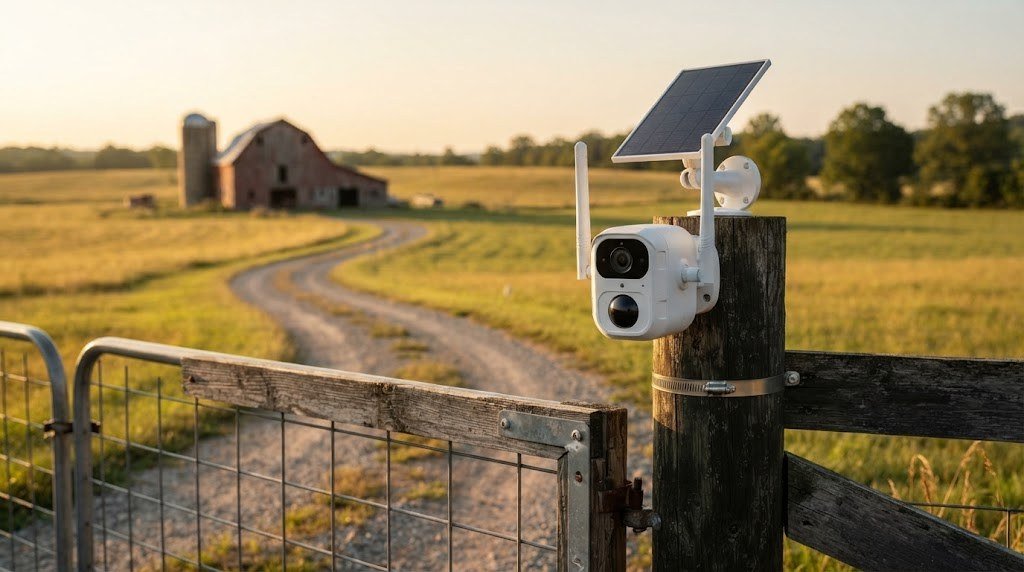
Table of Contents
- What Is a Cellular Security Camera?
- How Does a Cellular Security Camera Work?
- When Do You Need a Cellular Camera?
- The Best Cellular Security Cameras in 2026
- Cellular Security Camera Comparison
- How Much Data Does a Cellular Camera Use?
- How Much Does a Cellular Camera Cost to Run?
- How to Choose a Cellular Security Camera
- Cellular Camera vs WiFi Camera vs Satellite Internet
- Best Mounting Spots on Remote Properties
- How to Set Up a Cellular Security Camera
- Pros and Cons of Cellular Security Cameras
- Cellular Camera Security Tips
- Powering a Cellular Camera Off the Grid
- Choosing a SIM Card and Data Plan
- Frequently Asked Questions
- Final Verdict
What Is a Cellular Security Camera?
A cellular security camera, also called a 4G LTE or LTE camera, is a security camera with a built in mobile modem. Instead of connecting to your home router, it uses a SIM card to connect to a carrier’s cellular network. It can send motion alerts, upload clips and stream live video to your phone from almost anywhere.
Most cellular cameras are battery powered and work with a solar panel, so they can run for months without being touched.
How Does a Cellular Security Camera Work?
- SIM and data plan. You insert a SIM card with an active data plan, either from the camera brand or a compatible carrier.
- Connecting to the network. The camera connects to the nearest cell tower, usually on 4G LTE.
- Motion detection. A PIR or AI sensor wakes the camera when it detects people, vehicles or animals.
- Recording and uploading. The camera records to a local microSD card or internal storage and uploads alerts and clips over cellular data.
- Viewing. You watch live video and recordings in the camera’s app.
When Do You Need a Cellular Camera?
Cellular cameras are perfect for places where WiFi does not reach:
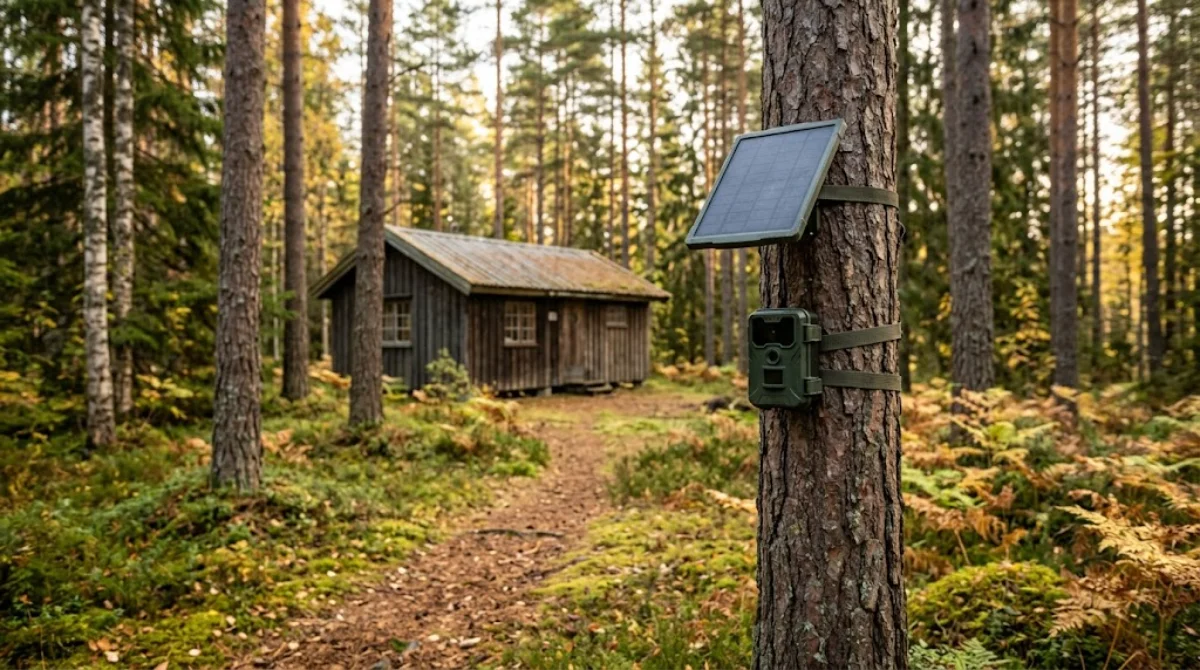
- Farms, ranches and barns
- Vacation homes and cabins
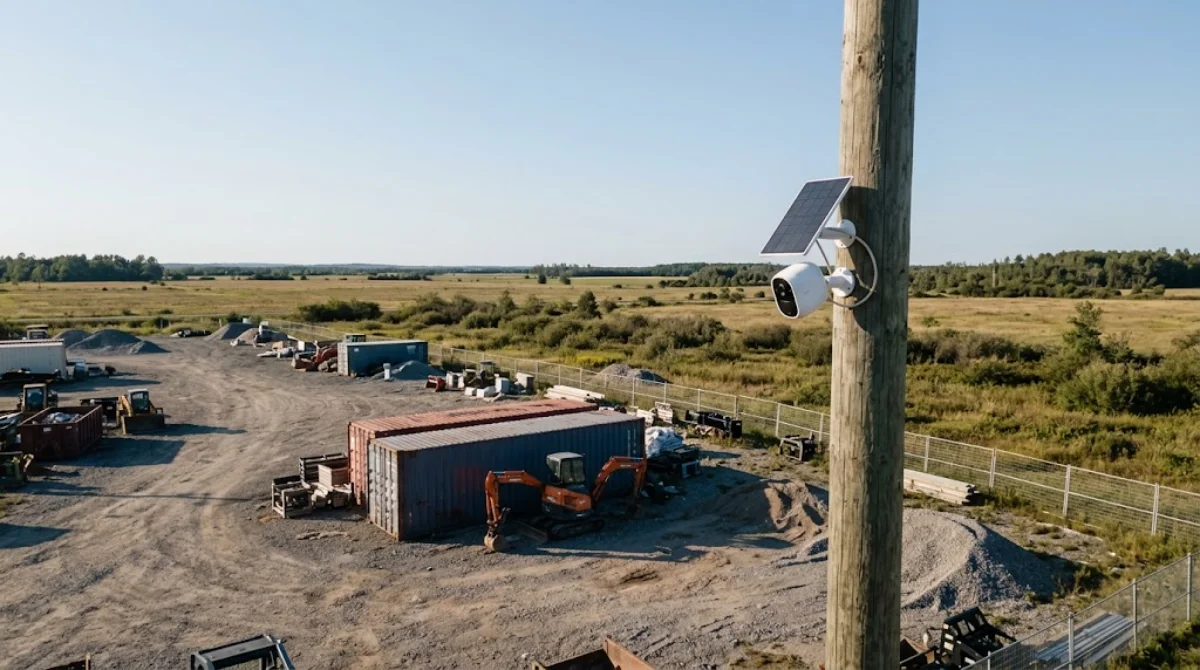
- Construction sites
- Remote driveways and gates
- Boats, docks and marinas
- RVs and campsites
- Hunting land and trail areas
- Vacant properties and rental units between tenants
- Storage yards and equipment lots
If your property already has reliable WiFi, a regular WiFi or wired camera is cheaper to run. Our guide to the battery powered outdoor security camera covers WiFi models.
The Best Cellular Security Cameras in 2026
Availability, carrier support and prices vary by country. Always confirm that a camera works with carriers in your area before buying.
1. eufy 4G LTE Camera: Best No Subscription Option
eufy’s 4G LTE cameras offer 2K video, excellent color night vision and AI detection that filters out most false alerts. Clips are stored on built in memory, and eufy does not charge a subscription for core features. You still need a data plan for the SIM.
- Resolution: 2K with color night vision
- Storage: Built in memory
- Power: Battery, solar panel optional or bundled
- Subscription: Not required for core features
- Best for: Users who want great night video and no monthly camera fee
2. Reolink Go PT Plus: Best Pan and Tilt Coverage
The Reolink Go PT Plus can pan and tilt remotely, letting one camera cover a wide area like a yard, barn or lot. It records 2K video to a microSD card and supports a solar panel for continuous power.
- Resolution: 2K
- Storage: microSD
- Power: Battery, solar ready
- Subscription: Not required for local recording
- Best for: Large open areas where one camera needs to look in several directions
3. Arlo Go 2: Best With WiFi Backup
The Arlo Go 2 works on 4G LTE but can also connect to WiFi when available, which is handy if cell signal is unreliable. It includes a built in spotlight, a removable battery and a microSD slot. Many of Arlo’s smart features require an Arlo subscription.
- Resolution: 1080p
- Storage: microSD, optional cloud
- Power: Removable rechargeable battery, solar optional
- Subscription: Recommended for smart detection
- Best for: Locations with patchy cell coverage
4. Reolink TrackMix LTE: Best for Continuous Recording
This higher end Reolink model combines a wide lens with a zoom lens and auto tracking. With a large solar panel, it can support continuous recording in suitable conditions, making it popular for construction sites and larger properties.
- Resolution: 2K dual lens with tracking
- Storage: microSD
- Power: Battery with large solar panel
- Best for: Construction sites, farms and commercial properties
5. Vosker V300: Easiest Setup
Vosker cameras ship with a pre activated SIM and are designed for quick setup on remote land. They are popular for hunting properties, cabins and construction sites, with optional solar panels and simple data plans.
- Resolution: 1080p
- Storage: microSD
- Power: Batteries, solar optional
- Best for: People who want a plug and play remote camera
Cellular Security Camera Comparison
| Camera | Resolution | WiFi backup | Local storage | Camera subscription | Best for |
|---|---|---|---|---|---|
| eufy 4G LTE Camera | 2K | Model dependent | Built in | Not required | Night video, no fees |
| Reolink Go PT Plus | 2K | No | microSD | Not required | Pan and tilt coverage |
| Arlo Go 2 | 1080p | Yes | microSD | Recommended | Patchy cell areas |
| Reolink TrackMix LTE | 2K dual lens | No | microSD | Not required | Large sites |
| Vosker V300 | 1080p | No | microSD | Plan based | Easiest setup |
How Much Data Does a Cellular Camera Use?
Data use depends on how many motion events occur, video resolution, clip length and how often you watch live video.
| Usage | Approx. monthly data |
|---|---|
| Light (a few alerts a day, short clips) | 500MB to 1GB |
| Moderate (10 to 20 clips a day) | 1GB to 3GB |
| Heavy (busy area, frequent live view) | 5GB or more |
| Live viewing in 2K | Around 1GB to 2GB per hour |
Tips to reduce data usage
- Use AI person and vehicle detection to avoid clips of trees and shadows.
- Shorten clip length to 10 to 20 seconds.
- Lower upload resolution if your app allows it.
- Limit live viewing, which uses the most data.
- Draw activity zones that ignore roads and public paths.
How Much Does a Cellular Camera Cost to Run?
| Cost | Typical range |
|---|---|
| Camera | Around $150 to $400 |
| Solar panel (if not included) | Around $30 to $60 |
| microSD card | Around $10 to $25 |
| Data plan | Roughly $5 to $25 per month depending on carrier and data |
| Optional camera subscription | Varies by brand |
Many carriers offer low cost IoT or tablet data plans that work well for cameras. Check that the plan allows the camera’s device type and that your carrier supports the camera model.
How to Choose a Cellular Security Camera
- Carrier compatibility. Confirm the camera supports a carrier with strong coverage at your location. This matters more than any other feature.
- Local storage. A microSD slot or built in memory keeps recordings even when uploads fail.
- Battery and solar. Choose a large battery and a solar panel for remote sites you cannot visit often.
- Smart detection. AI person and vehicle detection saves battery and data by ignoring animals, trees and shadows.
- Night vision. Color night vision or a spotlight helps identify people and vehicles in dark rural areas.
- Weather rating. Look for IP65 or higher, and check the operating temperature range for very hot or cold climates.
- Total monthly cost. Add the data plan and any camera subscription together before you decide.
Cellular Camera vs WiFi Camera vs Satellite Internet
| Cellular camera | WiFi camera | WiFi camera on satellite internet | |
|---|---|---|---|
| Needs | Cell coverage and data plan | Home WiFi | Satellite dish and router with power |
| Setup | Simple, camera only | Simple | More complex and costly |
| Monthly cost | Low data plan | Included in home internet | Satellite plan required |
| Best for | Remote spots, gates, sites | Homes with WiFi | Remote homes needing many cameras |
| Power | Battery and solar | Outlet or battery | Constant power for the router |
For a single gate or barn, a cellular camera is usually the simplest and cheapest option. If you are monitoring a remote home with several cameras and other smart devices, a satellite or rural internet connection with WiFi cameras can make more sense.
Best Mounting Spots on Remote Properties
- Main gate or driveway entrance to capture vehicles coming and going.
- Barn or equipment shed doors, where valuable tools and machinery are stored.
- Fuel tanks and generators, which are common theft targets.
- Cabin front door and windows for vacation properties.
- Docks and boat lifts at lake houses.
Point cameras so people and vehicles move across the view rather than straight toward the lens, which gives the motion sensor more time to wake the camera.
How to Set Up a Cellular Security Camera
- Check coverage. Use your phone at the exact mounting location. If your phone has weak signal there, the camera will too.
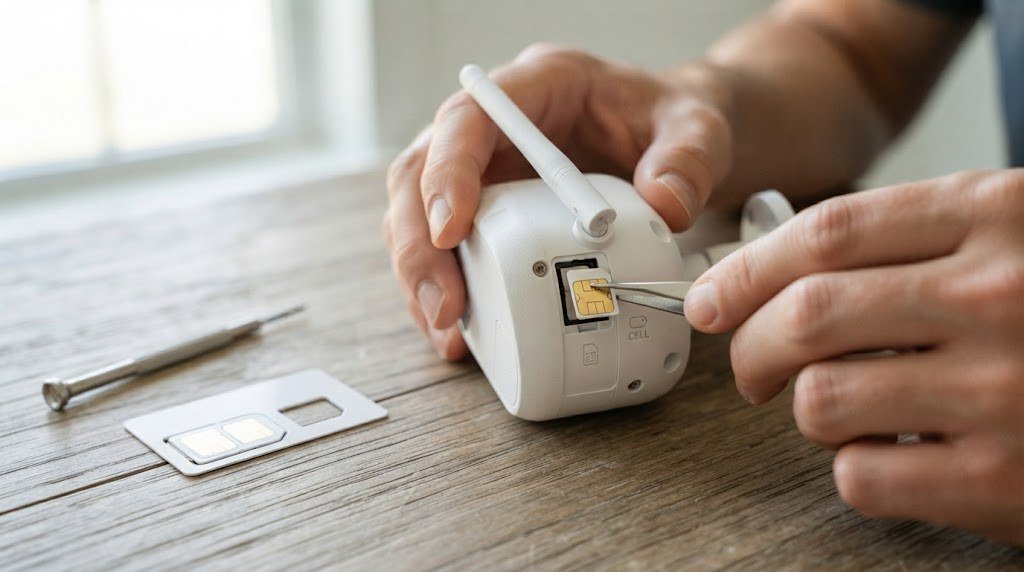
- Activate the SIM. Use the bundled SIM or activate a compatible data plan.
- Insert the SIM and microSD card before mounting.
- Charge the battery fully.
- Pair the camera with the app and enter the APN settings if your carrier requires them.
- Mount the camera 7 to 10 feet high, facing the area you want to monitor and not directly into the sun.
- Mount the solar panel facing south (in the Northern Hemisphere) with a clear view of the sky.
- Set detection, zones and clip length to balance coverage, battery and data.
- Test by walking through the area and checking that alerts arrive.
Pros and Cons of Cellular Security Cameras
| Pros | Cons |
|---|---|
| Works anywhere with cell coverage | Needs a monthly data plan |
| No WiFi or power cables needed | Signal can be weak in remote areas |
| Solar options for near zero maintenance | Usually motion clips, not 24/7 |
| Great for vacant and remote properties | Higher upfront cost than WiFi cameras |
| Harder to disable by cutting internet lines | Carrier compatibility varies by country |
Cellular Camera Security Tips
- Mount high and use a security mount to make theft harder.
- Enable theft alerts if available.
- Use a camera with local storage so footage is saved even if uploads fail.
- Set a strong password and two factor login on your camera account.
- Keep firmware updated.
For other security setups, see our guides to the best PoE home security camera system for wired homes and the best solar powered security camera.
Related guides on Tech Home Journal:
- Tactacam Defend Security Camera: Specs, Plans Setup (2026)
- Garage Security Ideas 2026: The Complete Buying Guide for Smart Home Protection
- Security Cameras Without Subscription: 2026 Guide
- Wired Security Camera System: The Technical Deep Dive
Official resources: FTC: how to secure your home security cameras · Tactacam Defend cellular cameras
Powering a Cellular Camera Off the Grid
Most cellular cameras are used where there is no Wi-Fi, and often no mains power either. That makes power planning as important as signal strength.
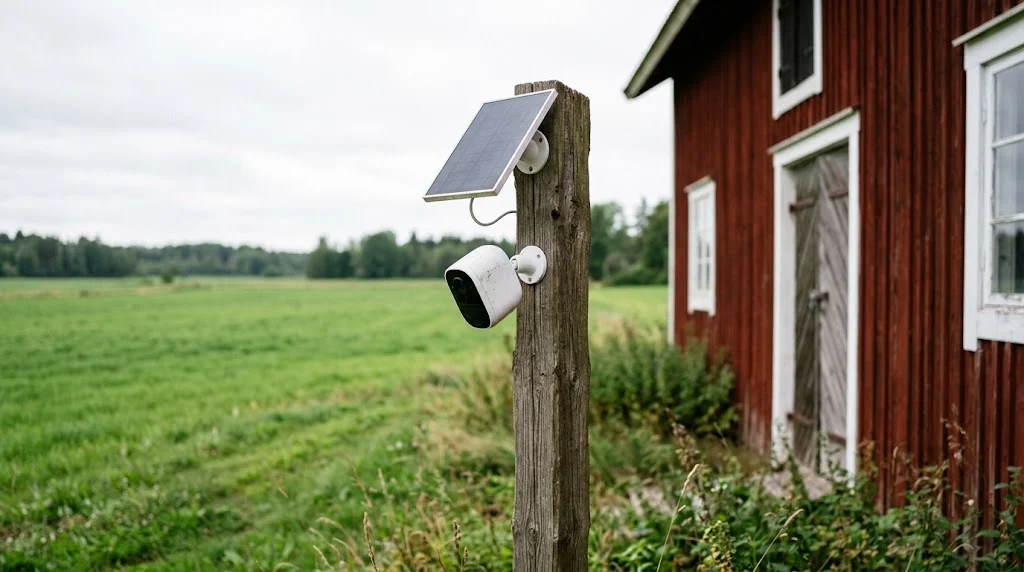
- Solar panel: the most practical option for barns, building sites, allotments and holiday homes. Mount the panel facing the sun (south in the Northern Hemisphere) with as little shade as possible. A few hours of direct sun a day keeps most models topped up in summer.
- Spare or larger batteries: some cameras accept swappable battery packs. Keeping a charged spare means you can swap it on each visit instead of taking the camera down.
- 12V or mains power: on a farm building or gatehouse with power, a wired supply allows continuous recording and avoids winter battery problems.
Winter is the hard season. Short days mean less solar charging, and cold weather reduces battery capacity. If the camera covers something valuable through winter, reduce clip length and alerts from October onward so the battery doesn’t run flat when you need it most. For more battery-saving ideas, see our guide to battery-powered outdoor security cameras.
Choosing a SIM Card and Data Plan
A cellular camera is only as reliable as the network it uses. Before you pick a plan:
- Check coverage at the exact spot. Use your phone on the same network at the mounting location. Two bars on a phone is usually the minimum for smooth live view.
- Match the camera to the carrier. Some cameras are sold for a specific carrier or come with the brand’s own data plan. Check the supported networks and LTE bands before buying.
- Pick a data-only or IoT plan. These are often cheaper than phone plans. Prepaid plans make sense for seasonal properties.
- Start with more data, then cut back. Watch usage for the first month, then move to a smaller plan once you know how much the camera really sends.
- Turn off what you don’t need. Lower resolution for live view, fewer cloud uploads and tighter motion zones all cut data use.
Frequently Asked Questions
Do cellular security cameras work without WiFi?
Yes. They connect through a 4G LTE mobile network using a SIM card, so they do not need WiFi at all.
Do cellular cameras need a monthly plan?
Yes, they need a data plan for the SIM card. Some brands also charge an optional subscription for cloud storage or smart features.
How much data does a cellular security camera use?
Most use between 500MB and 3GB per month with typical motion alerts. Frequent live viewing can use much more.
Can a cellular camera record 24/7?
Most battery cellular cameras record motion clips to save power and data. A few higher end models with large solar panels can record continuously.
Will a cellular camera work in rural areas?
It will if there is usable 4G coverage at the camera location. Check signal strength on your phone at the exact spot before buying.
Which carriers work with cellular security cameras?
It depends on the model and country. Many cameras support major carriers like AT&T, T Mobile and Verizon in the US, but always check the manufacturer’s compatibility list.
Can I use my phone’s SIM card in a cellular security camera?
Sometimes, but it’s not ideal. Many cameras need a data-capable SIM on a supported network, and some phone plans don’t allow use in other devices. A separate data-only or IoT SIM keeps costs and usage easier to track.
Will a cellular camera work during a power cut?
Yes, if it runs on a battery or solar panel and the local mobile network stays up. That is one advantage over a Wi-Fi camera, which loses its connection when the router has no power.
Is a cellular camera legal to use on a building site or farm?
Generally yes on property you own or manage, but rules on recording public areas, neighbouring land and audio vary by country. Point the camera at your own property and add a visible sign where local law expects one.
Final Verdict
A cellular security camera is the best way to watch over places WiFi cannot reach, from farms and cabins to construction sites and remote gates. For no camera subscription and great night video, a eufy 4G LTE camera is an excellent choice. The Reolink Go PT Plus covers wide areas with pan and tilt, and the Arlo Go 2 adds valuable WiFi backup. Check your signal first, choose a sensible data plan, add a solar panel, and you will have reliable security anywhere.



