

Heating and cooling are usually the biggest part of a home’s energy bill, yet many people still control them with a basic dial or a programmable thermostat they never program. So, what is a smart thermostat, and why do so many homeowners switch? In short, it is a WiFi connected thermostat that learns your habits, lets you control your heating and cooling from anywhere and automatically saves energy when you do not need it.
Free tool: Use our free Smart Thermostat Savings Calculator to estimate how much a smart thermostat could save on your yearly heating and cooling bill.
This guide explains how smart thermostats work, the key features, how they differ from programmable thermostats, how much they can save, what you need to install one and whether one is right for your home.
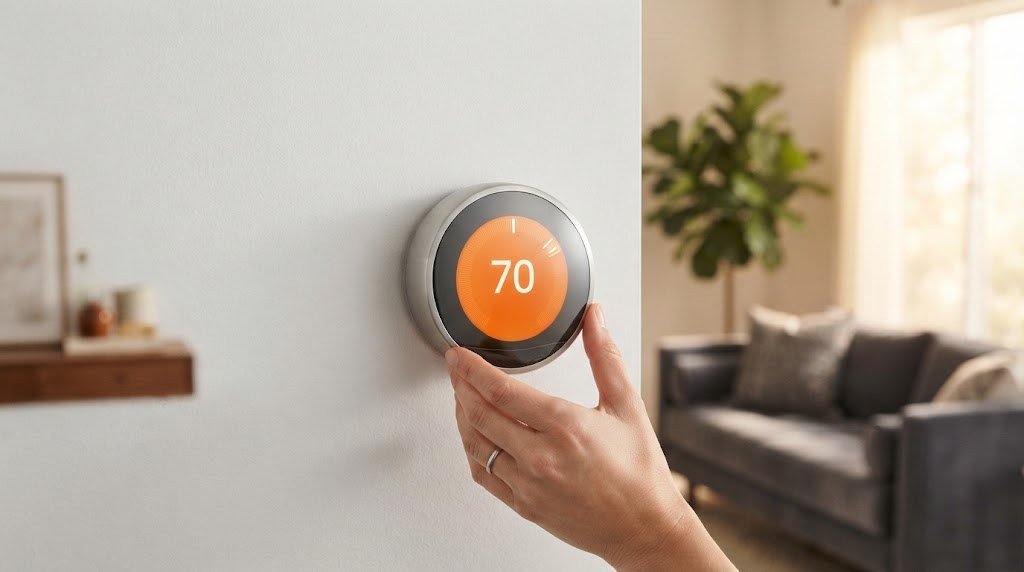
Table of Contents
- What Is a Smart Thermostat?
- How Does a Smart Thermostat Work?
- Key Smart Thermostat Features
- Smart Thermostat vs Programmable Thermostat
- How Much Can a Smart Thermostat Save?
- Types of Smart Thermostats
- Is a Smart Thermostat Compatible With My System?
- How to Install a Smart Thermostat (Overview)
- How to Choose the Right Smart Thermostat
- Best Smart Thermostat Settings for Saving Energy
- Common Smart Thermostat Myths
- Pros and Cons of Smart Thermostats
- Popular Smart Thermostat Brands
- Best Smart Thermostat Settings to Save Energy
- ENERGY STAR and Matter: What the Labels Mean
- Frequently Asked Questions
- Final Thoughts
What Is a Smart Thermostat?
A smart thermostat is a thermostat that connects to your home WiFi network and uses sensors, schedules and software to control your heating, ventilation and air conditioning (HVAC) system. It replaces the thermostat on your wall and talks to your furnace, air conditioner, boiler or heat pump through the same low voltage wires.
Unlike a traditional thermostat, a smart thermostat can:
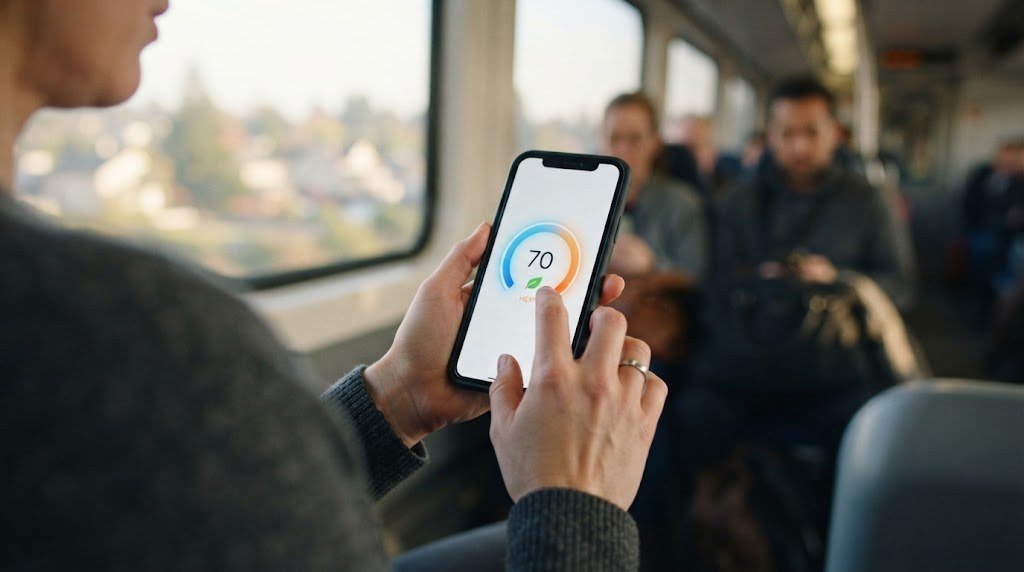
- Be controlled from a phone app anywhere in the world.
- Respond to voice commands through Alexa, Google Assistant or Siri.
- Learn your schedule or follow schedules you set in the app.
- Detect when nobody is home and switch to energy saving temperatures.
- Show energy reports and tips to help you use less.
- Send alerts for maintenance, extreme temperatures or HVAC problems.
How Does a Smart Thermostat Work?
- Sensing. Built in sensors measure temperature, and often humidity and occupancy. Many models also use remote room sensors.
- Connecting. The thermostat joins your WiFi network and connects to the manufacturer’s cloud service, which powers the app, weather data and remote control.
- Deciding. Using your schedule, location, learned habits, weather forecasts and sensor data, the thermostat decides when to heat or cool.
- Controlling. It sends low voltage signals through the thermostat wires to turn your HVAC system on and off, change stages or run the fan.
- Reporting. It logs runtime and energy use, then shows reports in the app.
Key Smart Thermostat Features
Remote control
Change the temperature from your phone on the way home, in bed or on vacation.
Learning and auto scheduling
Some thermostats learn your routine over a week or two and build a schedule automatically. Others make it easy to create a schedule in the app.
Geofencing and occupancy detection
Using your phone’s location or built in motion sensors, the thermostat knows when everyone has left and switches to an “away” temperature. It returns to comfort mode before you get home.
Room sensors
Remote sensors placed in bedrooms or living areas let the thermostat balance temperatures and focus on the rooms you actually use.
Energy reports
Monthly reports show how long your system ran, how outdoor weather affected usage, and how your settings compare over time.
Voice control and smart home integration
Most smart thermostats work with Alexa, Google Assistant or Apple Home, and many support Matter. You can also include them in routines, such as “Good night” lowering the temperature. See our list of the best thermostats for Alexa.
Alerts and maintenance reminders
Get notified if your home gets too hot or cold, if the system stops working, or when it is time to change your air filter.
Smart Thermostat vs Programmable Thermostat
| Feature | Basic thermostat | Programmable thermostat | Smart thermostat |
|---|---|---|---|
| Control | Manual only | Schedule on the device | App, voice and automation |
| Remote access | No | No | Yes |
| Learns habits | No | No | Many models |
| Away detection | No | No | Yes (geofencing or sensors) |
| Energy reports | No | No | Yes |
| Room sensors | No | Rarely | Common |
| Typical cost | $20 to $50 | $30 to $100 | $80 to $280 |
The biggest weakness of programmable thermostats is that people rarely set them up correctly or update the schedule. Smart thermostats solve that with apps, learning and automatic away modes.

How Much Can a Smart Thermostat Save?
Savings depend on your climate, home, HVAC system and habits. According to ENERGY STAR, certified smart thermostats save users about 8 percent on heating and cooling bills on average, and many brands report higher savings for households that previously left the temperature unchanged all day. If your annual heating and cooling costs are $1,500, an 8 to 10 percent saving is roughly $120 to $150 a year, which can pay back the thermostat within one to two years.
Ways a smart thermostat saves energy:
- Setting back the temperature automatically when you are away or asleep.
- Avoiding heating or cooling an empty home.
- Using weather data to start heating or cooling at the right time.
- Highlighting wasteful settings in energy reports.
- Supporting utility rebate and demand response programs in many areas.
For more ideas, read our smart thermostat energy saving tips.
Types of Smart Thermostats
| Type | How it works | Best for |
|---|---|---|
| Learning thermostats | Learn your habits and build a schedule automatically | People who do not want to program schedules |
| Sensor based thermostats | Use room sensors to balance comfort | Larger homes with hot and cold spots |
| Schedule based smart thermostats | You set schedules in the app | People with regular routines |
| Budget smart thermostats | Core app and voice control at a lower price | First time buyers |
| Line voltage smart thermostats | Control electric baseboard heaters | Homes with baseboard heat |
| Mini split controllers | Control ductless units through infrared | Homes with ductless systems |
Is a Smart Thermostat Compatible With My System?
Most smart thermostats work with common 24V HVAC systems, including gas and oil furnaces, central air conditioners, heat pumps and many boilers. Compatibility issues can come up with:
- High voltage baseboard heaters (120V or 240V), which need a line voltage thermostat.
- Proprietary communicating systems from some HVAC brands.
- Some multi stage or dual fuel setups, which need a model that supports them.
- Homes without a C wire, which may need an adapter.
Before buying, remove your current thermostat’s cover, take a photo of the wires and use the manufacturer’s online compatibility checker.
What is a C wire?
The C (common) wire provides continuous 24V power to the thermostat. Many smart thermostats need it to power their screen and WiFi. If you do not have one, many brands include a power adapter or offer models that work without it. See our guide to the best smart thermostat without a C wire.
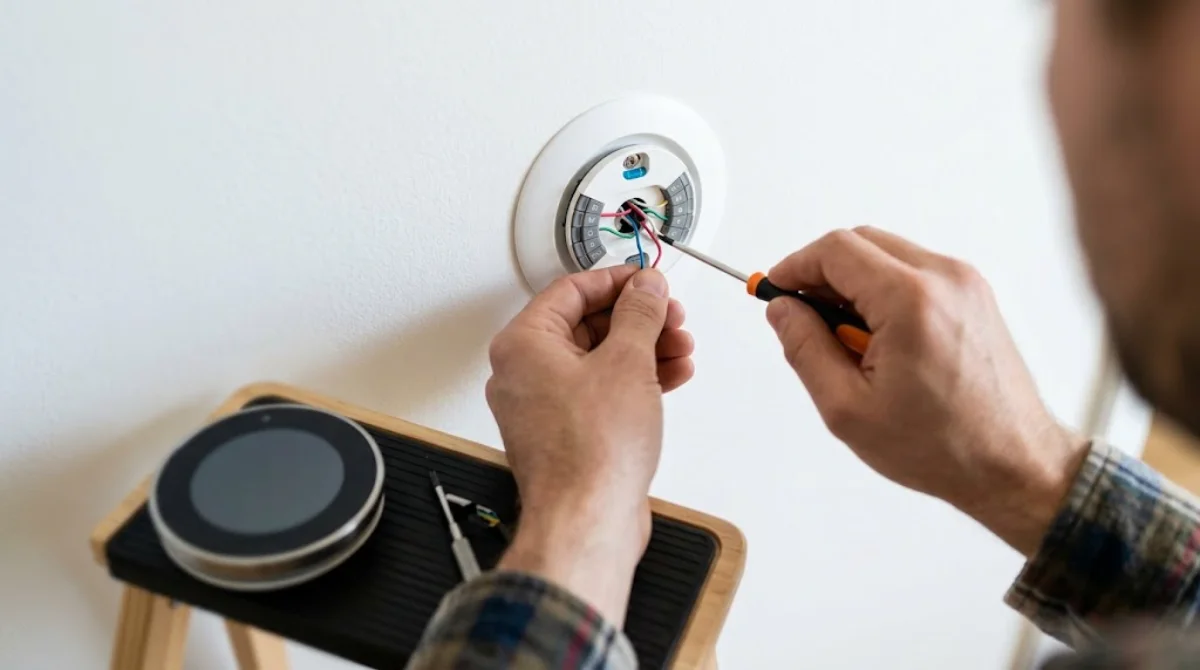
How to Install a Smart Thermostat (Overview)
- Check compatibility with the manufacturer’s tool.
- Turn off power to the HVAC system at the breaker.
- Remove the old thermostat and label each wire using the stickers included with the new thermostat.
- Mount the new base plate and connect the labeled wires.
- Attach the thermostat to the base and restore power.
- Follow the setup wizard to connect WiFi and configure your system.
- Download the app and create your schedule.
Most installs take 30 to 60 minutes. For a full walkthrough, see our smart thermostat installation guide.
How to Choose the Right Smart Thermostat
Use this checklist to narrow down your options:
- Confirm compatibility. Check your HVAC type, number of heating and cooling stages, heat pump or dual fuel setup, and whether you have a C wire.
- Pick your ecosystem. Choose a thermostat that works with the voice assistant and app you already use: Alexa, Google Home, Apple Home, SmartThings or Matter.
- Decide on sensors. If some rooms are always too hot or cold, choose a model with remote room sensors.
- Learning or scheduling. Pick a learning thermostat if you want it to set itself up, or a schedule based model if you prefer full control.
- Look for rebates. Many utilities offer rebates of $50 to $100 or more for ENERGY STAR certified smart thermostats. Check your utility’s website before buying.
- Consider the display and design. You will see it every day, so choose a screen and style you like.
- Check privacy settings. Review how occupancy and location data are used, and turn off features you do not need.
Best Smart Thermostat Settings for Saving Energy
Installing a smart thermostat is only the first step. These settings help you get the biggest savings without sacrificing comfort:
| Setting | Recommended starting point | Why it helps |
|---|---|---|
| Winter daytime (home) | 68°F | Comfortable while limiting heat loss |
| Winter sleep and away | 62°F to 65°F | Saves energy when comfort matters less |
| Summer daytime (home) | 76°F to 78°F | Reduces air conditioner runtime |
| Summer away | 82°F to 85°F | Avoids cooling an empty home |
| Geofencing | On | Automatically switches to away mode |
| Smart recovery | On | Reaches your target temperature on time without overshooting |
| Fan mode | Auto | Prevents the fan from running constantly |
These are starting points. Adjust them for your comfort, climate and household, especially if you have babies, older adults or pets at home.
Common Smart Thermostat Myths
“It will make my home uncomfortable.” Smart thermostats return to your comfort temperature before you get home or wake up, so most people notice no difference except a lower bill.
“Turning the temperature way up heats the house faster.” Most HVAC systems heat at the same speed regardless of the setpoint. Setting 80°F will not warm the home faster than 70°F, it just overshoots.
“Smart thermostats only work with new HVAC systems.” Most work with standard systems that are decades old, as long as they use common 24V control wiring.
“You need to be good with technology.” Setup wizards walk you through installation, and many learning thermostats need very little input after the first week.
“Small changes do not matter.” Each degree of setback for several hours a day can add up to noticeable savings over a full heating or cooling season.
Pros and Cons of Smart Thermostats
| Pros | Cons |
|---|---|
| Lower heating and cooling bills | Higher upfront cost than basic thermostats |
| Remote and voice control | Needs WiFi for remote features |
| Automatic away modes | Some need a C wire or adapter |
| Energy reports and alerts | Learning features may need time to adjust |
| Rebates available in many areas | Not every HVAC system is compatible |
Popular Smart Thermostat Brands
- Google Nest: Learning thermostats with a clean design and strong Google Home integration.
- ecobee: Known for room sensors, detailed settings and broad smart home support.
- Honeywell Home (Resideo): Wide range from budget to premium, with room sensor options.
- Amazon Smart Thermostat: Budget option built for Alexa households.
- Sensi: Simple, reliable thermostats popular with HVAC pros, no subscription.
Comparing the two biggest names? Read Nest vs ecobee. Ready to buy? Our best smart thermostat guide ranks the top models.
Related guides on Tech Home Journal:
- Best Budget Smart Thermostat for Your Living Room: The Complete Buying Guide (2026)
- How to Lower Your Electricity Bill at Home: 30+ Tips That Work (2026)
Official resources: ENERGY STAR smart thermostats · U.S. Department of Energy: heat pump systems
Best Smart Thermostat Settings to Save Energy
A smart thermostat only saves money if its settings fit how you actually live. These are the settings worth checking in the first week:
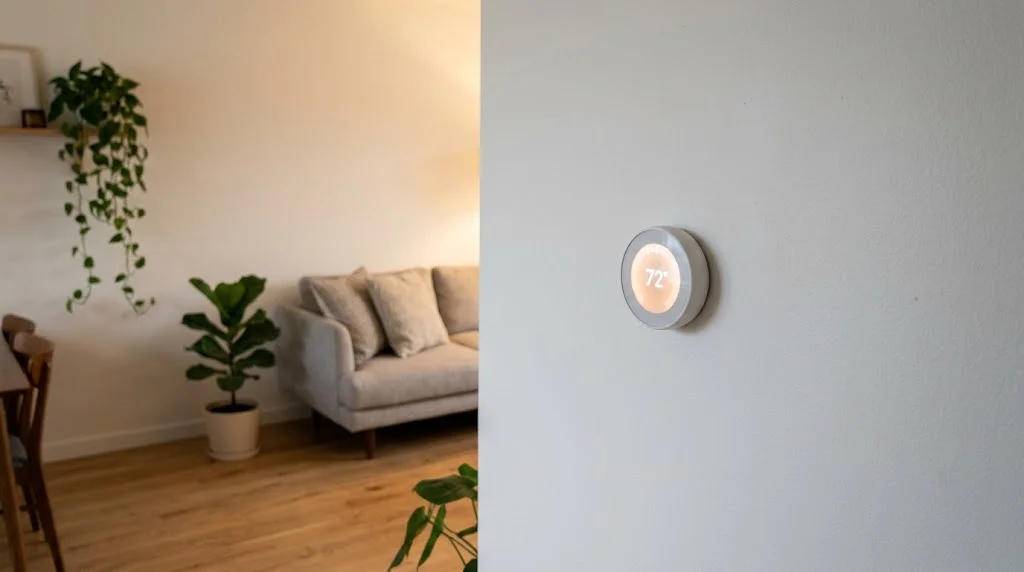
- Setbacks while you sleep or are out: the U.S. Department of Energy says turning the thermostat back 7 to 10°F (about 4 to 6°C) for eight hours a day can save up to 10% a year on heating and cooling. Its Energy Saver thermostat guide explains why this works.
- Geofencing or away mode: let the thermostat switch to an eco temperature when every phone has left home, instead of relying on a fixed schedule.
- Comfort settings, not constant tweaks: pick two or three temperatures (home, sleep, away) and let the schedule handle the rest. Frequent manual changes cancel most learning features.
- Fan set to Auto: running the fan “On” all day uses extra electricity and can make a room feel cooler in winter.
- Heat pump balance or lockout settings: if you have a heat pump, check auxiliary heat settings so backup electric heat doesn’t kick in too early.
Review the monthly energy report after a few weeks. If runtime stays high, tighten the schedule a little rather than changing everything at once.
ENERGY STAR and Matter: What the Labels Mean
Two labels are worth looking for when you compare models.
ENERGY STAR certified. The EPA certifies smart thermostats that show real savings in field data from actual homes. On its ENERGY STAR smart thermostats page, the EPA says certified models save about 8% on heating and cooling bills on average. Many utilities only give rebates for ENERGY STAR certified models, so check this before you buy.
Matter support. Matter is the newer smart home standard that lets one device work with Apple Home, Google Home, Amazon Alexa and SmartThings. A thermostat with Matter is easier to keep if you switch ecosystems later. Models such as the Google Nest Learning Thermostat (4th gen) support Matter, and more brands are adding it through firmware updates. If you already use one platform, a model built for it, like the picks in our best thermostat for Alexa guide, is still a safe choice.
Frequently Asked Questions
What does a smart thermostat do?
It controls your heating and cooling like a normal thermostat, but adds WiFi, app and voice control, scheduling, away detection, energy reports and alerts to save energy and improve comfort.
Do smart thermostats really save money?
Yes, in most homes. ENERGY STAR estimates average savings of around 8 percent on heating and cooling, and savings can be higher if you previously left the temperature unchanged all day.
Does a smart thermostat work without WiFi?
It still controls your heating and cooling and follows its schedule, but you lose remote control, voice control and some smart features until WiFi returns.
Do I need a C wire for a smart thermostat?
Many models need one, but several include an adapter or work without a C wire. Check the model’s requirements before buying.
Can I install a smart thermostat myself?
Yes, most people can install one in under an hour if their system is compatible. Hire an HVAC technician for complex, high voltage or proprietary systems.
Do smart thermostats need a subscription?
Most do not. Core features, including app control, schedules and energy reports, are free. A few brands offer optional paid features.
Are ENERGY STAR smart thermostats better?
They have proven savings in real homes and are more likely to qualify for utility rebates. A non-certified model can still work well, but you lose that independent check.
Does a smart thermostat work with Apple Home, Google Home and Alexa?
It depends on the model. Matter-compatible thermostats can work with all of them. Others support one or two platforms, so check the box or the maker’s compatibility page before you buy.
Final Thoughts
So, what is a smart thermostat? It is a connected thermostat that learns your routine, adapts when you are away and puts heating and cooling control in your pocket. For most homes, it is one of the smartest upgrades you can make, combining comfort, convenience and real energy savings. Check compatibility, look for features like room sensors and away detection, and you could see the payoff on your very next energy bill.



